The machine has not got slower. It performs exactly the same operations per second it did when you bought it.
What changed is the software. Apps that shipped in 2018 assuming 8 GB was normal now assume 16, browsers hold more, Electron apps have multiplied on your dock, and macOS itself has grown. The result is a laptop that boots fine and feels terrible by 4pm, and an upgrade suggestion from everyone you ask.
Often the upgrade is not the answer. Sometimes it is. It is worth knowing which.
What is actually happening
Almost always memory pressure, which presents as everything being slow rather than one thing being slow, and that is why it is hard to attribute and easy to blame the hardware.
When physical memory runs out, macOS compresses what it can and then swaps pages to the SSD. Compression is fast and mostly invisible. Swapping is not: a page fault that has to hit disk costs orders of magnitude more than one served from RAM, and when several apps are competing, you get the characteristic pattern where every click has a small delay attached.
Check it before diagnosing anything. Open Activity Monitor, go to the Memory tab, and look at the Memory Pressure graph at the bottom, not the numbers above it. Green means you are fine, whatever the figures say. High memory usage is healthy, since unused RAM is wasted RAM. Yellow means the system is working to keep up. Red means it is swapping, and red is your actual problem.
Then sort by Memory and read the list. It is usually four or five entries doing nearly all of it, and they are usually the same four or five on everyone's machine.
Where the memory goes
Browser tabs. Almost always first, by a wide margin, and the fix is free. Tab-suspension is built into Safari and Chrome to varying degrees, and closing forty tabs you have not read is more effective than any other change on this page.
Electron apps. Every app built on Electron ships its own copy of Chromium, so five such apps means five browsers resident. This is the single biggest lever most people have, because the same job can often be done by an app built on the system webview, which is what Tauri does, using WebKit that macOS is already running. Not a moral point about a framework: a point about how many copies of a rendering engine are in memory at once.
Things at login you forgot about. System Settings → General → Login Items. Most people find two or three they do not recognise and one they installed for a single task in 2022.
Photo and media libraries doing background work. Indexing, syncing, analysing. Usually finishes eventually. Usually.
What to look for in software for an older machine
Native or system-webview, not a bundled browser. The clearest single indicator. You can check: an app around 10–30 MB on disk is not shipping Chromium; one at 200 MB+ probably is.
No server on the critical path. Software that waits for a network response before drawing is slow on a fast machine and worse on a slow one, because the delays compound. An app that reads its own disk is fast on any hardware.
Reads what it needs, not everything. Apps that load an entire library into memory at launch get worse as your collection grows — the opposite of what you want on constrained hardware.
Stated minimum OS version. An app requiring the very newest macOS is one you will lose the moment your Mac stops getting updates. An app supporting a few versions back is one that has thought about machines like yours.
A real download rather than a store-only release. The Mac App Store enforces the current OS more aggressively; direct downloads more often keep older builds available.
What to do first, in order
Cheapest and most effective first.
Restart. Genuinely. Weeks of uptime with heavy apps leaves memory fragmented and swap full, and a restart is the fastest possible fix for a machine that has become sluggish over a fortnight.
Close tabs and quit what you are not using. Free, immediate, and usually enough.
Remove the login items you do not recognise. Every one is memory and startup time you are paying for continuously.
Replace your two heaviest Electron apps. Look at the Activity Monitor list, take the top two that are not the browser, and see whether a lighter equivalent exists. This is often the difference between yellow and green.
Check free disk space. Below roughly 10% free, swapping gets slower and the whole system suffers. This is a surprisingly common cause of "the Mac got slow" with no other explanation.
Then, and only then, consider RAM or a new machine. On any Mac with Apple Silicon and on most recent Intel models, memory is soldered and cannot be upgraded — so this step means a new machine, which is why it belongs last.
When it genuinely is the hardware
Being honest about the boundary, because "just optimise" is not always the answer.
No more security updates. Apple supports roughly the current and two previous macOS versions with security fixes. A Mac that cannot run any of those is a real risk if you use it online, and that is the one reason on this list that is not negotiable.
A spinning hard disk. Any Mac still on a mechanical drive is transformed by an SSD, and if it is a model where that is user-replaceable it is by far the cheapest upgrade available.
8 GB with a workload that genuinely needs more. Video, large photo libraries, virtual machines, containers, several IDEs. No amount of app selection fixes a real requirement.
A battery that is done. Cheap to replace, and it is worth knowing this is a battery problem rather than a speed one before you buy anything.
Short of those, a 2018 machine running deliberately chosen software is a perfectly good computer, and the pressure to replace it is coming mostly from other people's engineering decisions.
The honest version
Software bloat is a real transfer of cost: it moves the price of shipping quickly from the developer to whoever has to run it, and the people who feel that most are the ones who cannot casually replace a laptop. That is worth naming rather than treating as the natural order of things.
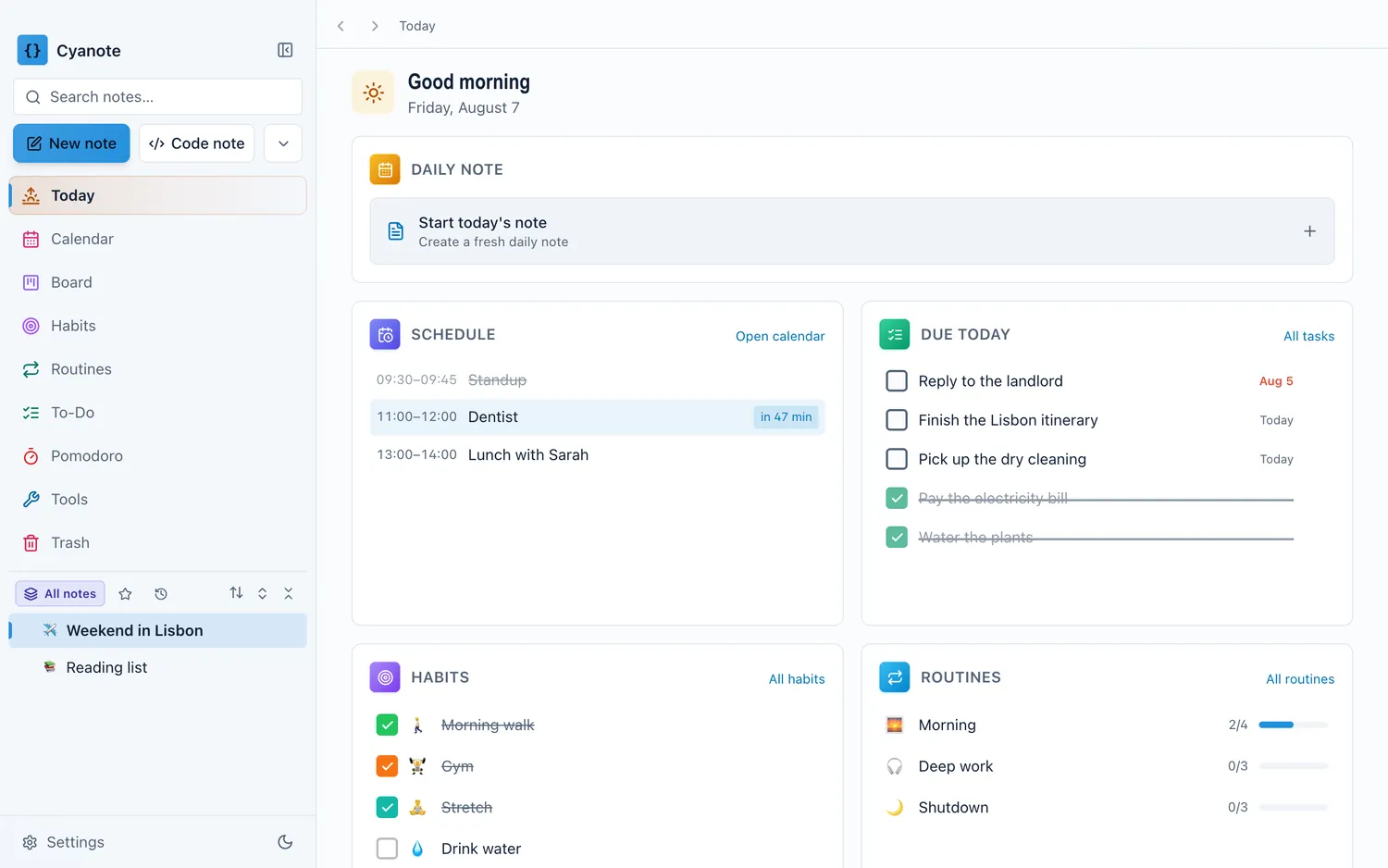
Cyanote is built with Tauri, so it draws through the WebView macOS already has rather than shipping its own browser, and it reads from one SQLite file on your disk rather than waiting on a server. It runs on macOS 12 Monterey and newer, as a universal binary covering both Apple Silicon and Intel, which is a deliberate floor rather than an accident, since a fair number of perfectly good Intel Macs are still doing daily work and there is no good reason to shut them out.