There is a particular kind of Sunday afternoon where you build a note template. It has sections. It has a metadata block at the top with fields for status and energy level. It has a place for everything, and looking at it produces a small, genuine satisfaction.
You will use it four times.
I have done this more than once, and the failure is not laziness. Templates fail for structural reasons, and the reasons are consistent enough to design around.
Why the elaborate ones die
They ask for information at the wrong moment. A meeting template with a "decisions made" section is asking you to have already sorted the meeting into categories while the meeting is still happening. What actually happens in a meeting is that things arrive in the order people say them. Any template that requires sorting-while-capturing loses to a blank page, because the blank page lets you keep up.
They have more sections than the average instance needs. If two thirds of your meetings have no action items, an Action items heading appears empty in two thirds of your notes. Empty headings are worse than no headings: they read as something forgotten rather than something absent, and after a while you start deleting them, which is friction you invented for yourself.
They encode a workflow you were hoping to have rather than the one you have. This is the big one. The template is aspirational. It describes the version of you who reviews the previous meeting's actions before writing the new note. That person does not attend the meeting. The person who attends is late and typing.
What the ones that survive have in common
They are shorter than you think is respectable, and every line in them does one of two jobs.
A prompt you would otherwise forget. Not a section header — an actual question sitting there in the note. "What did we decide?" pulls something out of you at the end of a meeting. "Decisions" does not; it is a filing label, and you will file nothing under it.
A field that makes the note findable later. The date, the people, the project name. Four words that cost nothing at capture time and are the entire reason you will find this note in November. If you link names, this is also where the link goes, which is where a backlink list quietly builds itself out of meetings nobody filed.
Everything else — status fields, tags, energy ratings, a summary section you fill in afterwards — is optional at best and a tax at worst. Cut it, use the template for a month, and add back only the thing you genuinely missed.
The four templates that earn their place
Almost everyone converges on some version of these.
A daily note. One note per day, created without asking you anything. Its real function is not journalling; it is having a default place to put things so that capture never involves a decision about where. Whatever ends up in it can be sorted later or never.
Meeting notes. Date, who was there, a blank space, and one prompt at the bottom — "what did we agree, and who has it". The blank space in the middle is deliberate. It is where the meeting goes.
A one-to-one. The one template where structure genuinely helps, because the value is in continuity: what we discussed last time, what has changed, what they raised, what I owe them. It is the same four things every fortnight, and having them written down is what stops a 1:1 becoming a status update.
A weekly review. The one place a longer template is justified, because you are sitting down on purpose with time set aside — which is exactly the condition the other templates cannot assume. I have written about the twenty-minute version separately; the template for it is mostly a list of questions in a fixed order, so you do not have to remember what reviewing consists of.
For a lot of people the list stops there. If yours includes a decision journal, reading notes, retros or incident reviews, those are real and well-established formats, but they are the second wave, added after the first four have proved they get used.
Where the template should come from
Two schools, and they fail differently.
Write your own. Correct in principle: your meetings are not mine. In practice, writing your own is when the Sunday-afternoon problem happens, because a blank template editor invites completeness. If you write your own, write it during the third meeting where you wished you had one, not in advance.
Start from a stock one and delete. Faster, and the deleting is the useful part. A stock template gives you a shape to react to, and reacting to a shape is much easier than inventing one. Whatever you delete in the first fortnight was never yours.
The failure mode worth naming: a template gallery with sixty entries. Sixty options is not sixty times as useful as four; it is a browsing session, and browsing is not writing. Ten or twelve good ones covering the common formats is about the size where you can hold them all in your head.
What to check in the app
Small mechanics, disproportionate effect on whether templates survive.
- How many keystrokes to start a note from one? If it is more than about three, the template loses to a blank note and always will.
- Can you edit the template, or only use it? A stock template you cannot cut down is a stock template you will stop using in week two.
- Does the daily note create itself, or do you create it? These are very different products. "It is already there" removes a decision; "make today's note" adds one.
- Is it a template or a database? Some apps make templates the front end to a structured database with required properties. That is powerful and genuinely useful for tracking things, and it is also the thing that turns a two-second capture into a small form-filling exercise. Know which you are buying.
The honest version
If your notes are mostly one kind of thing — a research log, a book manuscript, a set of client files — you may need one template and nothing else, and a gallery is dead weight. If your work has no repeating shapes at all, templates are solving a problem you do not have, and the honest recommendation is a blank page and a good search box.
Templates pay off exactly when the same kind of note recurs and you keep re-deciding what should be in it. That is the whole condition.
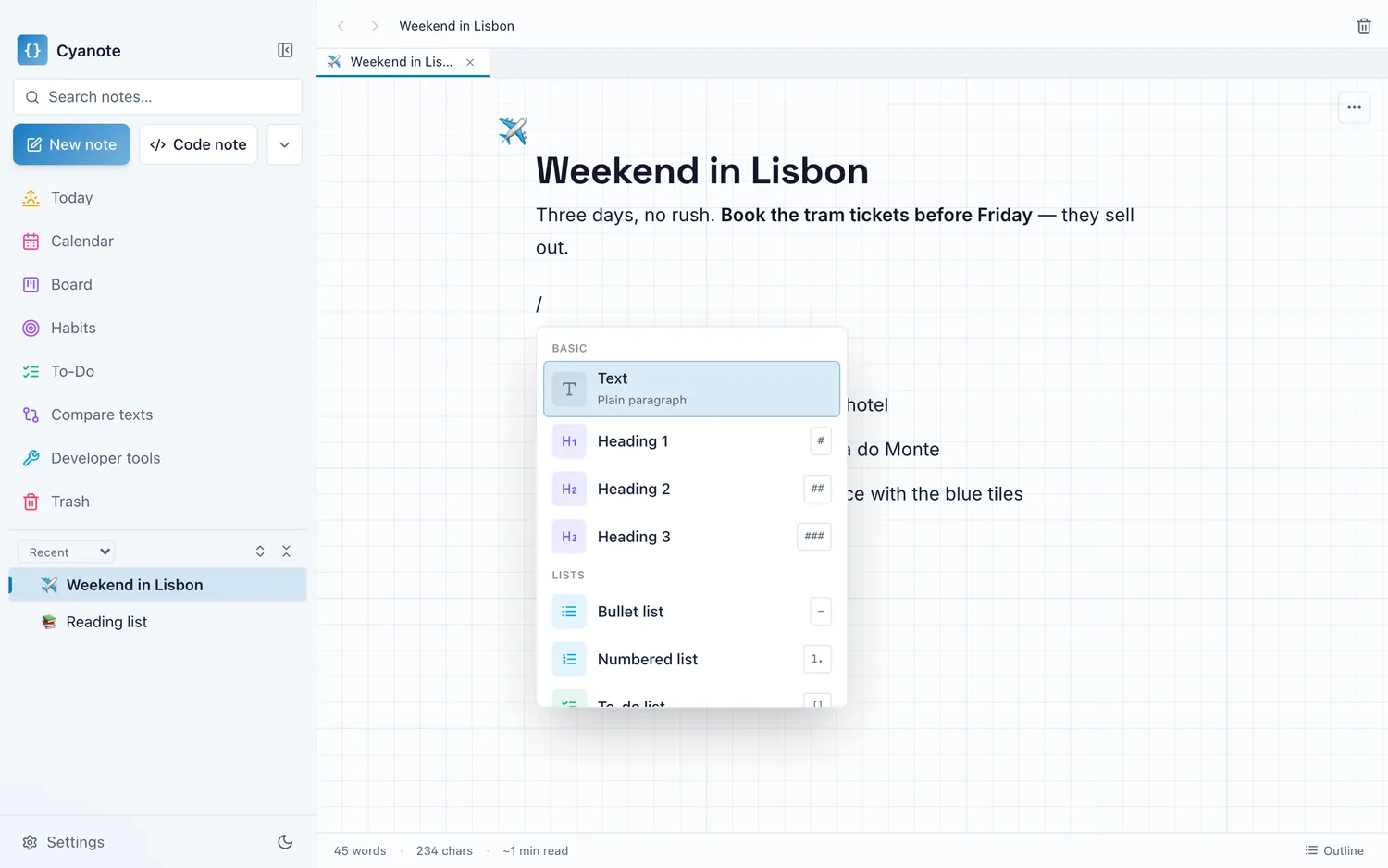
Cyanote ships a set of them — daily notes, meeting and standup notes, 1:1s, project briefs, Cornell and reading notes, decision journals, weekly reviews, retros and incident reviews — reachable from the / menu without leaving the keyboard. They are meant as starting shapes to cut down, not a system to adopt. Every note lives in a single database on your own disk, so a template is a local convenience rather than a schema on somebody's server.