You install a clipboard manager. It asks for Accessibility permission. The dialog is stern, the settings pane says the app will be able to control your computer, and you are being asked to grant that to something whose job is remembering what you copied.
The reaction is correct. It is the broadest permission macOS hands to a normal app, and being asked for it should make you stop. It is also, for this particular category, genuinely unavoidable, and worth understanding, because "the app asked and I clicked yes" is not a security decision.
What it is actually called and why the name is wrong
The setting lives under System Settings → Privacy & Security → Accessibility, and its name is historical. It was built so assistive software — screen readers, switch controls, alternative input devices — could operate the interface on a person's behalf.
Doing that requires two capabilities: reading the interface of other apps (what windows exist, what the buttons say, where the focus is) and sending input to them (keystrokes, clicks). Which is exactly what any automation tool needs, so macOS reuses the same gate for all of it. A window manager, a text expander, a keyboard remapper, a screenshot annotator and a clipboard manager all end up in the same list as a screen reader.
The name has nothing to do with why most of the apps in that pane are there.
What granting it actually allows
Be clear-eyed about this, because it is broad.
An app with Accessibility permission can, in principle: read the contents of other apps' windows including text on screen, see what you are focused on, send keystrokes and clicks to any app, and drive interfaces you are not looking at. It is not a scoped permission. You cannot grant it for one app or one action. It is on or off for that binary.
That is a lot. It is more than the app in front of you probably needs, and macOS gives you no way to give it less.
Two things narrow the risk in practice. It is per binary, and macOS ties the grant to the app's code signature. Replace or tamper with the app and the permission is revoked until you grant it again, which is a meaningful protection against something being swapped underneath you. And it is revocable in one click, in the same pane, at any time.
Why a clipboard manager needs it
The mechanism is worth knowing, because it explains why there is no clever workaround.
Recording what you copy needs no permission at all. The clipboard is a shared system service, and any app can read it. That half is free.
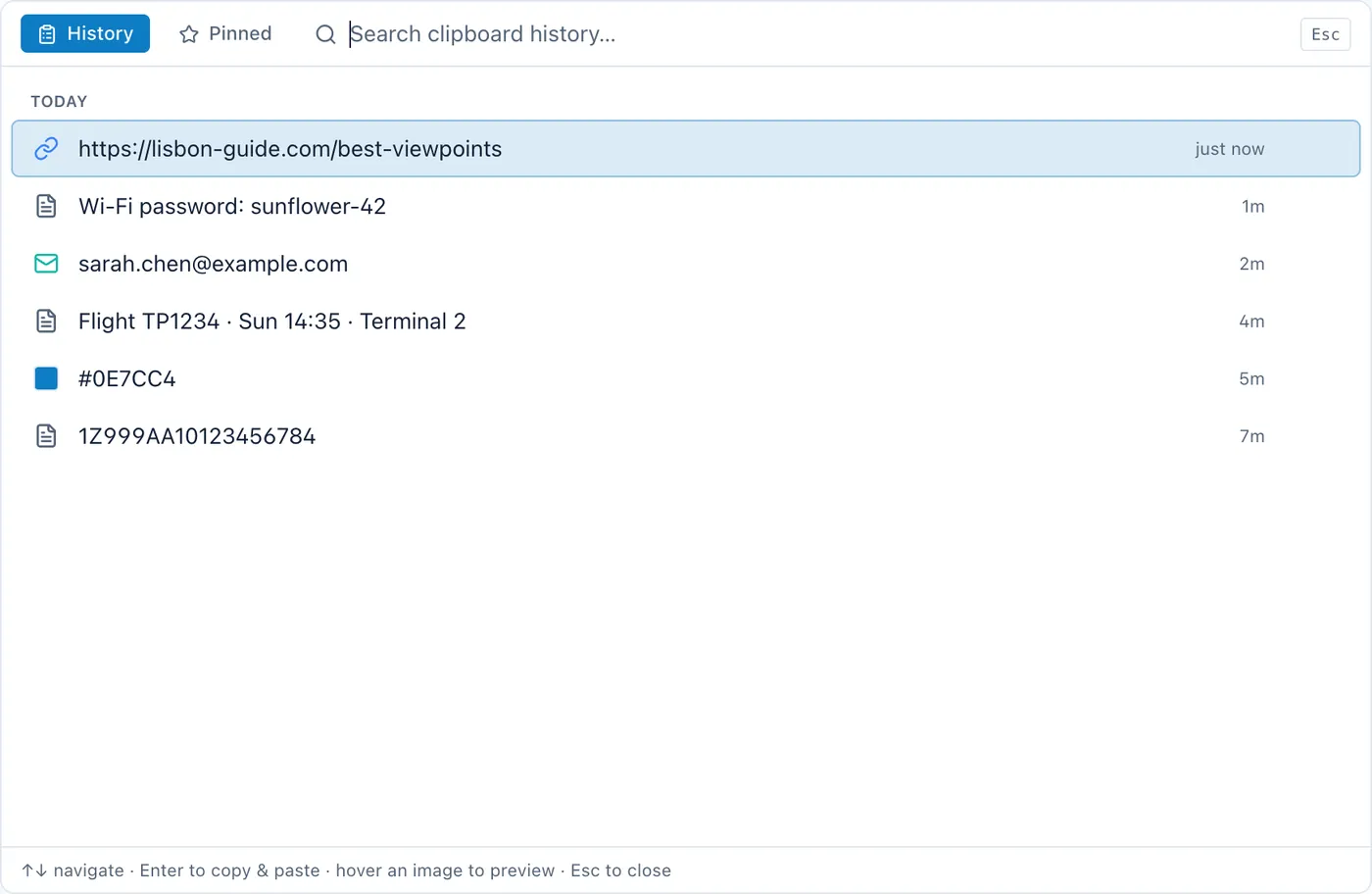
The other half is what you actually want: press a key, pick an old item, and have it land in the app you were in. To do that, the manager has to put the item on the clipboard and then send a ⌘V keystroke to the other app. Sending a keystroke to another application is synthesised input, and synthesised input is exactly what the Accessibility gate exists to control.
There is no API that says "paste into the frontmost app, and nothing else". macOS does not offer a narrow version of this permission, so the app has to ask for the broad one to do the narrow thing. That is a platform design decision, not a choice the developer made.
Which means the honest test of an app in this category is not whether it asks — they all must — but whether it works without it. Copying a history item to your clipboard so you can paste it yourself with ⌘V requires no permission at all. An app that refuses to function until you grant Accessibility, when the only thing that needs it is the auto-paste convenience, is asking for more than it is spending.
What to check before you grant it
Does the app tell you why, in specific terms? "Cyanote needs Accessibility permission to paste for you" is a specific claim about one feature. "This app requires Accessibility to function" is not, and vagueness at the moment of asking is the signal worth reacting to.
Is it signed and notarised? Notarisation means Apple scanned the binary and the developer is identifiable. It is not a guarantee of good behaviour, and it does raise the cost of shipping something malicious considerably. An unsigned app asking for this permission is a different proposition entirely.
Does it degrade rather than refuse? The good behaviour is: work without the permission, at reduced convenience, and explain what you would gain by granting it.
Can you check what it does with it? The connections an app makes are observable. An app with broad local permission and no network activity has a much smaller blast radius than one with both.
Do you need the feature? If you are content to press ⌘V yourself, do not grant it. That is a real option and most apps in this category will keep working.
The permission it should not be confused with
Two others come up and are genuinely different.
Input Monitoring lets an app see keystrokes going to other apps — that is keylogging capability, and it is a higher bar. A clipboard manager should not need it. Global hotkeys generally do not require it either. If something in this category asks for Input Monitoring, ask why, specifically.
Screen Recording lets an app capture what is on your display. Screenshot tools need it. A notes app does not.
Accessibility is broad but purposeful. If an app asks for all three, the questions get much harder.
The honest version
This permission is uncomfortable and the discomfort is appropriate. macOS made the dialog stern on purpose. The right response is not to refuse everything, which leaves you unable to use most Mac automation, and not to click through, which is how the dialog stops meaning anything. It is to know which feature you are enabling and be able to switch it off.
Cyanote asks for exactly one reason. Copies are captured without any permission at all; the clipboard history works and you can copy items from it freely. Pasting a history item straight back into the app you came from sends a ⌘V keystroke, and macOS gates synthesised keystrokes behind Accessibility. If you have not granted it, the app says so and offers to open the right settings pane rather than quietly doing nothing. It never asks for Input Monitoring or Screen Recording. And it makes three network requests in total, none of which carries anything you have written, which is the other half of what "broad local permission" should be weighed against.