Every calendar app asks the same thing on first run: sign in with Google. And it makes sense from their side. The calendar is on Google's servers, so reading it means asking Google.
What that button actually grants is worth reading before you press it. OAuth scopes for calendar access are not "show me what is on Thursday". They are, typically, read and write access to every calendar on the account, held by a third party, valid until you go and revoke it, and, depending on the app, a copy of your events sitting on that third party's server so their sync can work while your laptop is closed.
For a calendar app you have chosen deliberately, that may be a fine trade. For a notes app that also happens to show your week, it is a lot to hand over so that Thursday has three lines on it.
There is a middle option. It has existed since the late nineties, it is boring, and almost nobody mentions it.
Subscribing instead of signing in
Every major calendar service can hand out a secret address: a long URL that returns your calendar as an ICS file, the plain-text format calendars have used for decades. Any app that can fetch a URL can then show your events.
In Google Calendar it sits in an individual calendar's settings under "Integrate calendar", named the Secret address in iCal format, and Google's own help page for it files it under getting a view-only copy, with the instruction that only you should know the address and it should not be shared. Apple's iCloud calendars can be made public and produce a comparable link. Outlook has its own version. Most work calendars, university timetables, sports fixtures and bin collections publish one too.
What you get:
- Read-only. The app can display your events. It cannot create, move or delete anything, because the format has no way to write back. For seeing your week next to your notes, read-only is the entire requirement.
- No account, no token, no scope. Nothing is authorised. There is no session to revoke and no app sitting in your Google security settings.
- Per calendar, not per account. Subscribe to your personal calendar and leave work alone, or the other way round. Signing in is all-or-nothing at the account level; a link is one calendar.
- Revocable in one click. Regenerate the address in your calendar's settings and every copy of the old URL stops working immediately.
The honest caveats
This is where most write-ups of this trick stop, so: three things you should know.
The URL is the password. Anyone who has it can read that calendar, forever, without logging in as you. Do not paste it into a shared document, a support ticket, or a chat with your team. If you think it has leaked, regenerate it. That is what the button is for.
It still makes a network request. Your app fetches that URL from Google, so Google sees a request from your IP on some schedule. This is not local and it is not private from Google. It is only private from everyone else: no third-party app holds a token, and no third-party server holds a copy of your events.
It refreshes on a delay. Subscribed calendars are polled, not pushed: your app asks for the file every so often, and the publisher decides how current the file it hands back is. In practice an event you add on your phone can take hours to appear in a subscribed view, and neither end promises otherwise. For a week you are looking at rather than editing, that is fine. If you need something you just accepted to show up within seconds, subscription is the wrong mechanism and you want a real sync.
The other option: import the file once
If even one request is more than you want, download the .ics file and import it. Your calendar app can export one; so can most event pages and every conference that sends you a booking.
This makes literally zero network requests. It also does not update, ever. It is a snapshot. Which sounds useless until you notice how many calendars never change: a term timetable, a fixture list, the twelve dates of a course. Importing those once is not a downgrade. It is the correct shape for the data.
The two mechanisms cover different things, and most people want both: subscribe to the calendar that moves, import the ones that do not.
What this cannot do
Worth being plain, because a subscription genuinely gives up capability.
You cannot create an event and have it appear on your phone. You cannot accept an invitation. You cannot see whether a room is free, or free/busy for a colleague. You cannot move a meeting and have anyone else find out. All of that needs write access, and write access means signing in.
So the real question is what you want the calendar in this app for. If it is scheduling with other people, use the app your organisation already runs on and sign into it properly. If it is knowing what today looks like while you are writing your notes and picking what to work on — the what does my day look like question — then read-only covers it entirely, and paying for it with a permanent OAuth grant is a bad exchange.
Events you create locally are a separate thing
There is no rule that every event has to come from a server.
Personal things — a deadline you set yourself, a repeating block for focused work, the day the car needs its service — do not involve anyone else and gain nothing from living in the cloud. Created locally, they stay on your machine, work with the wifi off, and are not one account recovery away from being someone else's problem.
Most people end up with a mix: work events arriving read-only by subscription, personal ones created in place. That is not a compromise between two systems. It is the shape the information already had.
The honest version
If your day is meetings, a real calendar client is the right tool and Fantastical or Apple's Calendar will serve you far better than anything bundled into another app. Nothing here competes with them, and the moment you need to reply to an invitation you will want one open anyway.
For everyone else, the useful realisation is that the sign-in button is not the only door. A read-only address does about ninety percent of what looking at a calendar involves, at none of the cost.
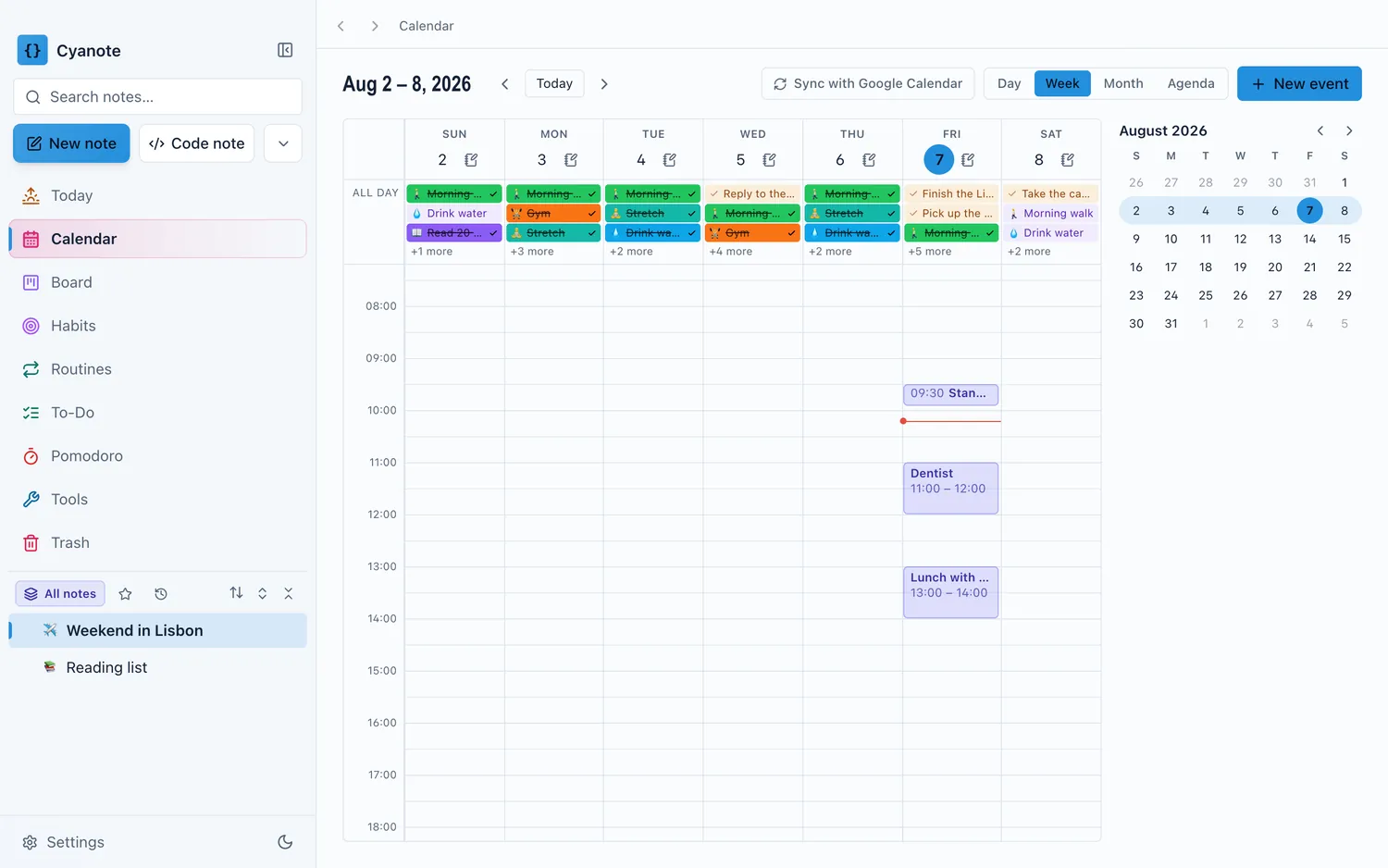
Cyanote takes both routes and neither requires an account: paste a calendar's ICS address to subscribe, or import an .ics file and make no requests at all. Events you create yourself carry a time, a place and notes, repeat daily, weekly or monthly, and can remind you 5, 10 or 30 minutes, an hour or a day ahead — with the reminder following a repeating event between occurrences. All of it sits in one local database with the notes, tasks and habits, and the only calendar request that ever leaves the machine is the one for a feed you asked for.