There is a particular annoyance in discovering that the utility you want — the one that remembers what you copied — costs four dollars a month, forever, to hold a list of text on your own computer.
That is not a complaint about the developers. Some of these apps are excellent and the people who make them deserve to be paid. It is a complaint about the shape of the deal, which has drifted a long way from what the software does. A clipboard manager watches a system pasteboard and writes to a local database. It is one of the few categories where you can look at the running app and struggle to name the server it needs.
So it is worth being precise about when a subscription is buying you something and when it is buying you nothing.
If you are still at the earlier question — what the Mac keeps of what you copy on its own — start there.
What the monthly fee is actually for
There are three honest answers, and they are not the same.
Sync. If your clipboard history follows you from a laptop to a desktop to a phone, there is a server in the middle holding it, and somebody pays for that server every month. This is a real cost and a real feature. It is also the one that should give you the longest pause, because it means everything you copy — including the things you copied out of a password manager — is leaving your machine.
Ongoing development. macOS changes every year and breaks things. Somebody has to fix them. This is real work, but it is worth noticing that it argues for charging new customers, not for charging the same customer rent in perpetuity for a version that already works.
Because it worked for everyone else. The least satisfying answer, and frequently the true one. Subscriptions became the default pricing model across all software, and a category that did not need one adopted it anyway.
The first is a genuine trade. The third is not.
What you give up buying once
Being fair to the other side: one-time purchases have failure modes, and pretending otherwise is how people end up disappointed.
The app can be abandoned. A developer who has already been paid has no recurring reason to keep going, and plenty of one-time apps have quietly stopped at the last macOS version that worked. A subscription at least aligns somebody's rent with your software continuing to run.
"Buy once" often means "buy this major version". Paid upgrades every two years are a legitimate model, but they are not the same promise as the one on the marketing page, and the difference tends to surface at version 3.
And the smaller the developer, the more the whole thing rests on one person staying interested. That is true whichever way they charge you, but with a subscription you find out sooner, because you notice when the charges stop being worth it.
What to check before you pay either way
Regardless of the pricing model, the same five questions decide whether a clipboard manager is any good:
Where the history is stored. Local database, or somebody else's server. This is the first question, not the last.
Whether it is searchable. A list of the last ten items is a convenience. A searchable history of everything is a different tool.
What it does with sensitive copies. Recognising a password-manager copy and declining to keep it is the mark of an app that has thought about this.
Whether it holds more than text. Images, files and colours all travel through the clipboard.
What happens on the day it stops. Can you get the history out? For a local app: where is the file, and can you read it without the app?
That last one matters more for a one-time purchase than a subscription, because a one-time purchase is the one you expect to still be using in five years.
The honest version of this page
This blog belongs to Cyanote, which has a clipboard manager in it and costs $7.99 once. So take the following as an interested party's summary rather than a neutral roundup.
If you want the best clipboard manager on the Mac and nothing else, you should probably buy a dedicated one. Maccy is free and open source and very good. Paste is polished and syncs across devices, and it charges for the servers that make that work: a subscription, or $89.99 once if you would rather not rent it, which is the honest version of the trade described above. Raycast bundles clipboard history into a launcher. Any of those will out-feature a clipboard that sits inside a notes app, because that is their whole product and this is one of five.
Paste is the one people ask about most, so it has a page of its own working through the prices and the cases where it is the better buy.
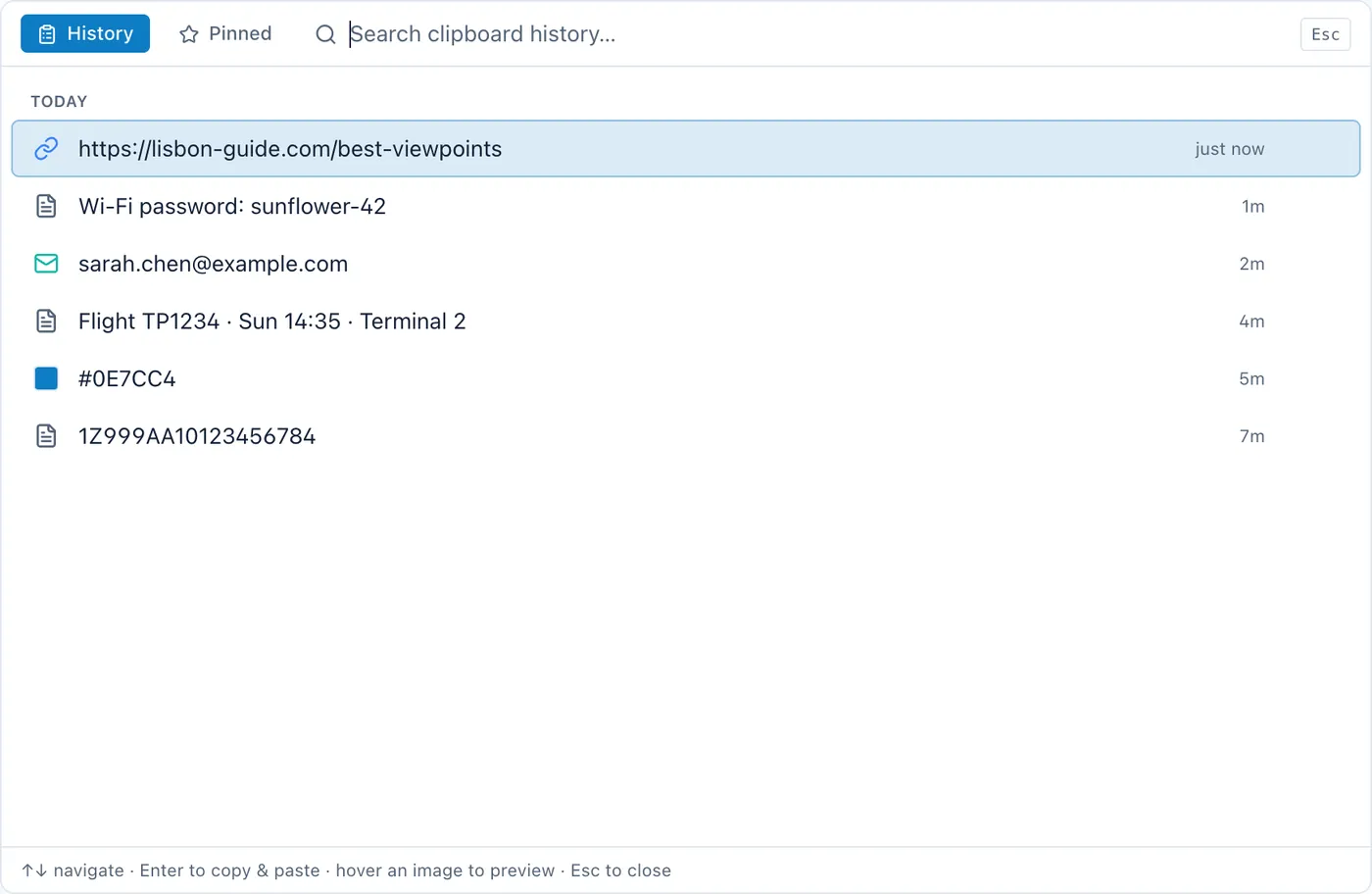
What a bundled one gets you is the thing you copied out of a note being one hotkey from the note you copied it from, and one purchase covering both. Whether that is worth more than depth is genuinely a matter of what you are trying to stop doing.
The short version
If the app syncs, a subscription is paying for something real, and the question I would ask myself is whether I want that something on a server at all. If it does not sync, ask what the monthly charge is for, and be unsatisfied with a vague answer.
The clipboard is a small tool that you touch two hundred times a day. It is worth paying for. It is not obviously worth renting.