You are writing up how the deployment works. Three paragraphs in, you need the command: the actual one, with the flags, the one that took an afternoon to get right. It is not in this app. It is in a scratch file in a text editor, or in terminal scrollback, or in a message you sent yourself.
So you go and get it. And on the way back, if you are honest, about a third of the time you do not come back.
That round trip is so normal that it reads as the cost of doing business. It is worth asking why it exists, because the answer is more interesting than "I never got organised".
You keep two kinds of text, and they want opposite things
The first kind is written to be read. Sentences, headings, a list of what you decided and why. It tolerates a typo. It benefits from being tidied up as you type — a straight quote turned into a curly one, a dash lengthened, a stray double space collapsed.
The second kind is written to be re-run. A command, a config block, a regex, a query, the four lines that fix the thing that breaks every March. It does not tolerate a typo, and the tidying that helps the first kind is actively destructive to the second. A smart quote in a shell command is not a nicer-looking quote. It is a syntax error that takes ten minutes to see, because it looks correct.
That is the whole reason for the split. It is not laziness or a failure to consolidate. Your prose editor is helpful, your snippets need an editor that refuses to help, and one text box cannot be both at once.
Why "just use a code block" is not quite the answer
Every serious notes app has code blocks now. Fence some text in backticks, get a monospace font and syntax colouring, done.
That solves the smallest part of the problem. A code block inside a prose document is still living in a prose document: it is a paragraph that happens to be wearing a different typeface. It has no file on disk, so nothing can run it and nothing else can read it. It cannot be opened on its own. When you copy it out, you are as likely to bring along an invisible character as not.
It is a fine way to show code inside an explanation. It is a poor way to keep code you intend to use.
What the split actually costs
Not much on any given occasion, which is exactly why it lasts for years.
The explanation and the artefact drift apart. The snippet is in one place, and the paragraph explaining what it is for is in another, and only one of them gets updated. Usually the snippet. Six months later you have a command that works and no memory of what it does to the database, which is a worse position than having neither.
Two search boxes, and neither one is complete. You half-remember something. Was it a thing you wrote down or a thing you saved? You look in both apps, in order, every time. The answer to that question should never have been load-bearing.
Snippets end up wherever was closest at the time. A Gist, a message to yourself, an untitled file called test2.sh, the desktop. None of these is a bad place on the day. Collectively they are not a system, and the only index is your memory.
What changes when both live in one app
The useful version of "one app" is not a prose editor with better code blocks. It is two editors, each honest about what it is for, in the same window and the same database.
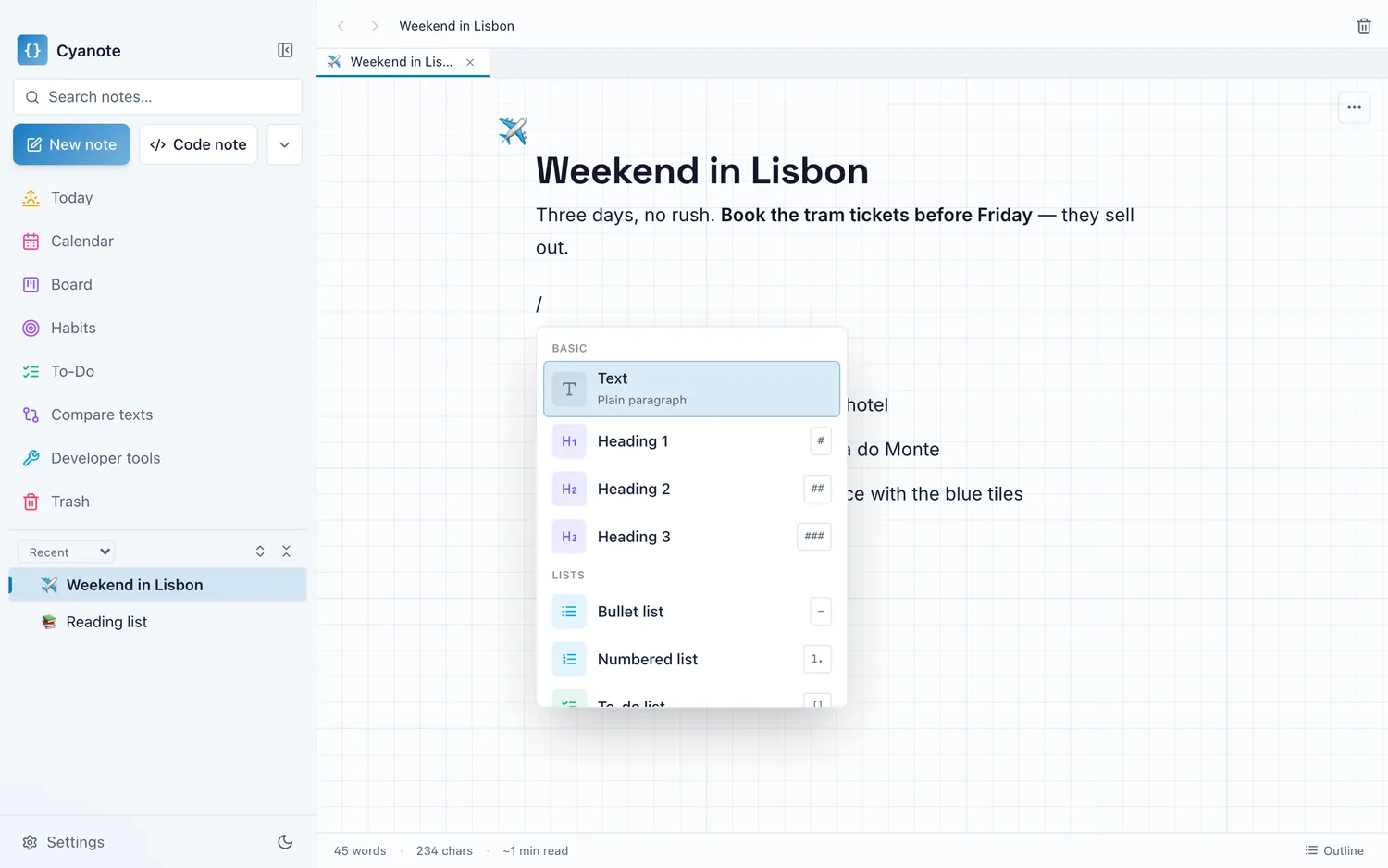
A code note in Cyanote is its own kind of note. It opens in a code editor rather than the block editor: monospace, syntax highlighting, language detected from what you paste, and none of the typing help that turns a working command into a broken one. ⇧⌘N makes one; ⌘N makes an ordinary note. On Windows, Ctrl stands in for ⌘.
Three things follow from that, and they are the actual argument.
A code note can be a file. ⌘S saves it straight back to a real path on disk. So the config you keep and the config the machine reads can be the same text rather than two copies that agree for a while. That is the difference between a note about your setup and your setup.
The prose can point at the code. [[ links one note to another, and the note being linked to shows what links back. The runbook links to the snippet. Open the snippet in six months and it tells you which runbook it belongs to. Neither one can quietly become an orphan.
One search box covers both. Full-text search across everything you have written, prose and code alike, so "did I write it down or save it" stops being a question you have to answer before you start looking.
None of this is exotic. It is what you would build if you accepted that the two kinds of text belong together and that they need different editors, which most apps do not, because they have picked a side.
Where a real editor still wins, and it is not close
This is the part a product page would skip, so let me be plain about it.
Cyanote is not an IDE and is not trying to become one. There is no language server, no refactoring, no debugger, no test runner, no git integration, no extension ecosystem, and no way to run anything. It cannot open a project. It opens notes.
If you are building software, that work belongs in a real editor, free ones included, and they are extremely good. Notepad++ has done the exact-text job on Windows for two decades without asking anybody for a subscription. VS Code is free and does everything listed in the paragraph above.
The distinction that matters is between the code you are writing and the code you are keeping. The first belongs in a project, under version control, in a proper editor. The second — the loose, reusable, hard-won fragments that never justified a repository of their own — is the part that has no home, and that is the part this is for.
When two apps is the right answer
If everything you touch lives in a repository, and you have never once lost a command, the split is not costing you anything and this is a solved problem you do not have.
If your notes are already Markdown files in a folder, you are most of the way there by a different route: your editor can open them, and your notes are text your tools can read. That is a legitimately good setup and I am not going to pretend otherwise.
And if you work on more than one machine, stop here. Cyanote keeps everything in one SQLite database on one disk and has no sync of any kind, which for anyone moving between a laptop and a desktop is disqualifying on its own. Not a caveat, a disqualification.
The honest version
The case for one app is narrow and specific. It applies when you keep prose and you keep snippets, when the two constantly refer to each other, and when you are tired of paying a context switch to move six inches between them.
Cyanote sits on that side: notes and code notes in one window, one local database, one search box, no account and no server, for $7.99 once. If the fiddling itself is what you enjoy, what is actually worth customising covers the settings that change how the text reads rather than how it looks, and two kinds of attention is about arranging the work rather than the app. And if what you want is Notion with fewer moving parts, the comparison page is the more useful thing to read next.