Craft is the best-designed document app on the Mac and it has the awards to prove it. Blocks that behave properly, documents that look finished without effort, sharing that produces a page you are not embarrassed by. It won Mac App of the Year and it deserved to.
It is also the app people most often describe to me as "the one I loved until I hit the wall". The wall is specific and it is worth understanding before it arrives rather than after.
The limit is counted in blocks
From craft.do/pricing, checked 1 September 2026, the free plan gives you 1,500 blocks, 1 GB of storage, a 25 MB media upload cap, 7 days of version history and 15 AI credits.
The number to look at is the first one, and the unit is the trap. A block is not a document. It is a paragraph, a heading, a list item, an image, a table row. A single meeting note with a heading, six bullets and a paragraph is nine blocks. A page of anything substantial is twenty to forty.
So 1,500 blocks is somewhere between forty and a hundred real documents, depending on how you write. That is a few months of ordinary use, not a trial, which is generous by the standards of free tiers, and also why the ceiling arrives quietly. Nobody counts paragraphs. You just find out one day that you cannot add another one.
Plus removes the block, storage and upload limits and extends version history to 30 days. The price varies by country — Craft's own FAQ says so — and sits around $8 a month, less on an annual plan. Check it in your own currency before doing any arithmetic on it.
What the ceiling actually does to you
A block cap has a different psychology from a note cap and it is worse.
A note cap tells you where you are. Fifty notes of fifty, and you know the situation. A block cap is invisible until you are against it, and then it applies to the whole workspace at once, including the three long documents that are eating most of your budget and the forty short ones you barely think about.
The response most people have is to start writing shorter and deleting older things, which is exactly the behaviour a notes app should never produce. The point of writing something down is to stop managing it. An app that makes you ration paragraphs has quietly turned back into a filing decision.
If you are near the ceiling and you are pruning to stay under it, that is the signal. Either pay for Plus or move, but do not keep economising.
The other structural fact
Craft is a cloud app with local caching, not a local app with optional sync. Your documents live in Craft's service, which is what makes the sharing and the collaboration work, and it is a coherent design.
It also means the usual questions apply: what happens to your documents if the company changes course, what an account is actually buying you, and whether the thing you are writing should sit on someone else's infrastructure at all. Those are not accusations against Craft specifically. They are the standing costs of the model, and they are worth paying when you want the sharing and not worth paying when you do not.
Getting your documents out
Craft exports, and you should do it before you need to.
Export to Markdown, per document or per space. PDF is for sending to people, not for keeping. Markdown is the one that lets another app read the text.
Blocks flatten. Craft's nested block structure — a block inside a block inside a page — is richer than Markdown, and the export makes a reasonable job of it. Deeply nested documents come out flatter than they went in.
Backlinks and page references become plain text or links to nothing. If you built a web of interlinked pages, that web is Craft's, not yours. Same caveat as any linked collection.
Check your images. The 25 MB upload cap means most of them are small, but confirm where the export put them and that the references still resolve.
Then open a handful of the exported files somewhere else. An export you have not opened is a hypothesis.
Who should not switch
If you share documents with other people, stay. Craft's shared pages are genuinely good and a local app cannot produce them at all.
If you work across a Mac, an iPad and a phone, stay. Cyanote is one computer and no sync, and that is not a soft limitation.
If the visual quality of the finished document is the reason you use it, stay. Nothing local looks like Craft, and I would rather say that here than have you discover it in week two.
The honest version
Cyanote is a smaller thing than Craft on purpose. No sharing, no collaboration, no web version, no phone app, no AI credits, and documents that look like working notes rather than published pages.
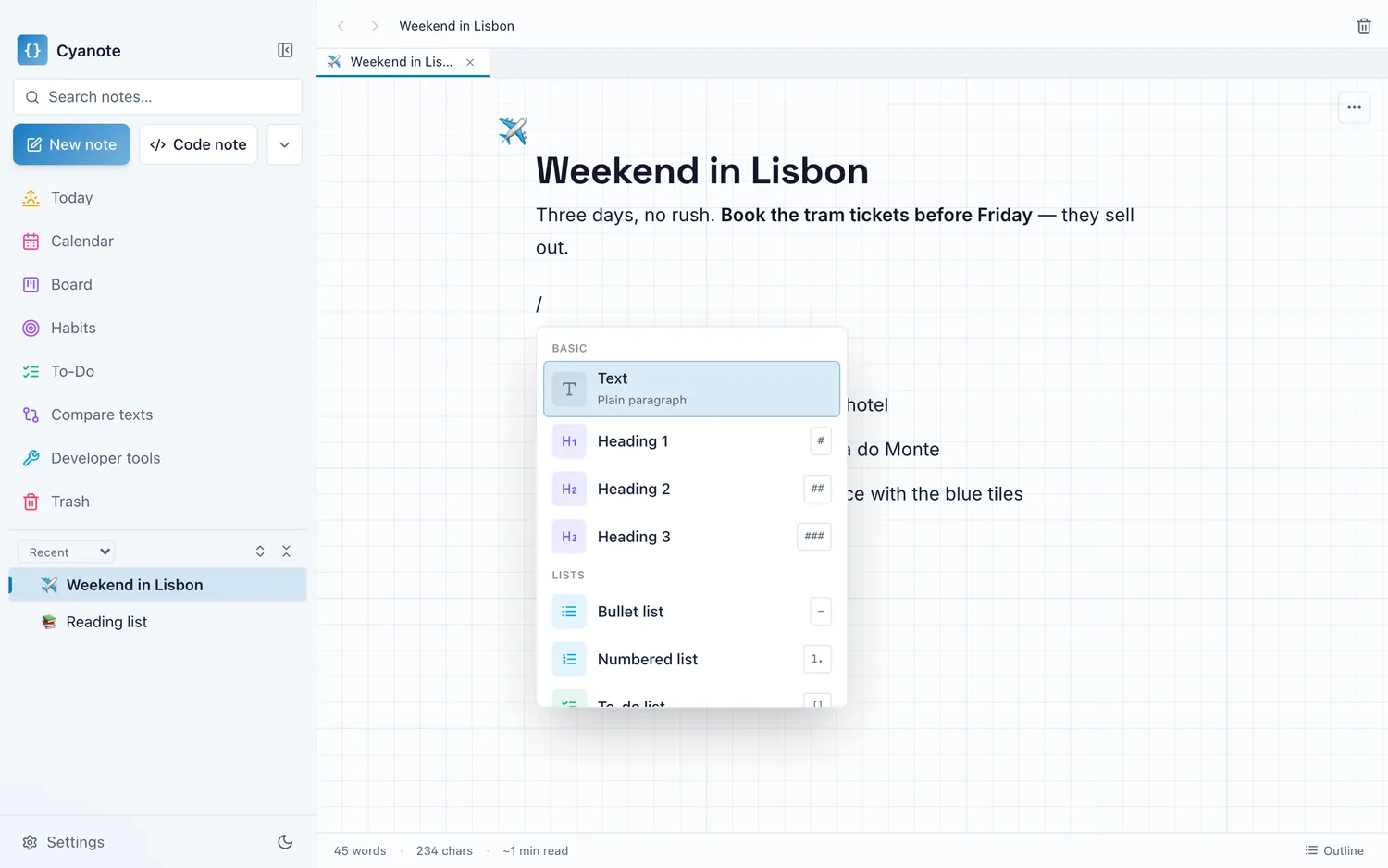
What it has: notes, to-dos, a board, a calendar, habits, routines and a system-wide clipboard in one Mac window, with no block limit, no storage limit and no account, in a single file on your own disk, for $7.99 once.
The trade is publishable against unlimited-and-private. If you were near the block ceiling and the sharing was never the reason you were there, that trade is probably the right way round.