Raycast is a launcher that grew a clipboard history, and the history is better than it has any right to be. It is fast, it searches, it is one keystroke from everything else you do in Raycast, and on the free plan it costs nothing.
If you already live in Raycast, adding a second app to hold your clips is a hard sell and it should be. This post is about the specific point where it stops being the obvious answer.
The limit is time, not size
The thing worth knowing, because it is easy to miss: Raycast's free plan keeps clipboard history for three months. Their pricing page, checked 1 September 2026, lists unlimited history as a paid feature; Pro is $10 a month, or $8 a month billed annually.
That is a genuinely generous free tier, and for most people three months is more history than they will ever scroll back through. But notice what kind of limit it is. It is not a count like Cyanote's own, which keeps the last 500 items by default and up to 1,000, a limit you can see coming. It is a rolling window, and the things it quietly deletes are the ones you copied once, months ago, and assumed were kept.
A size limit teaches you where the edge is. A time limit does not tell you anything until the thing you wanted is already gone.
What that means in practice
The clips that survive three months in anyone's history fall into two groups.
The ones you paste constantly — a work email address, a licence key, a command you can never remember the flags for. These never age out, because you keep re-copying them. Raycast handles them fine, and pinning makes them permanent.
The ones you copied once and needed much later — the tracking number, the config snippet from a machine you no longer have access to, the paragraph from a document someone has since revoked. These are exactly what a rolling window eats, and they are the ones you go looking for specifically.
The second group is the argument. Not because three months is stingy, but because those clips were never really clipboard entries. They were notes you had not written down yet. The snippets you paste every week belong in a clipboard manager; the things you will want in November do not.
The launcher question underneath it
There is a deeper trade here and it is worth naming, because it decides the answer more than the retention window does.
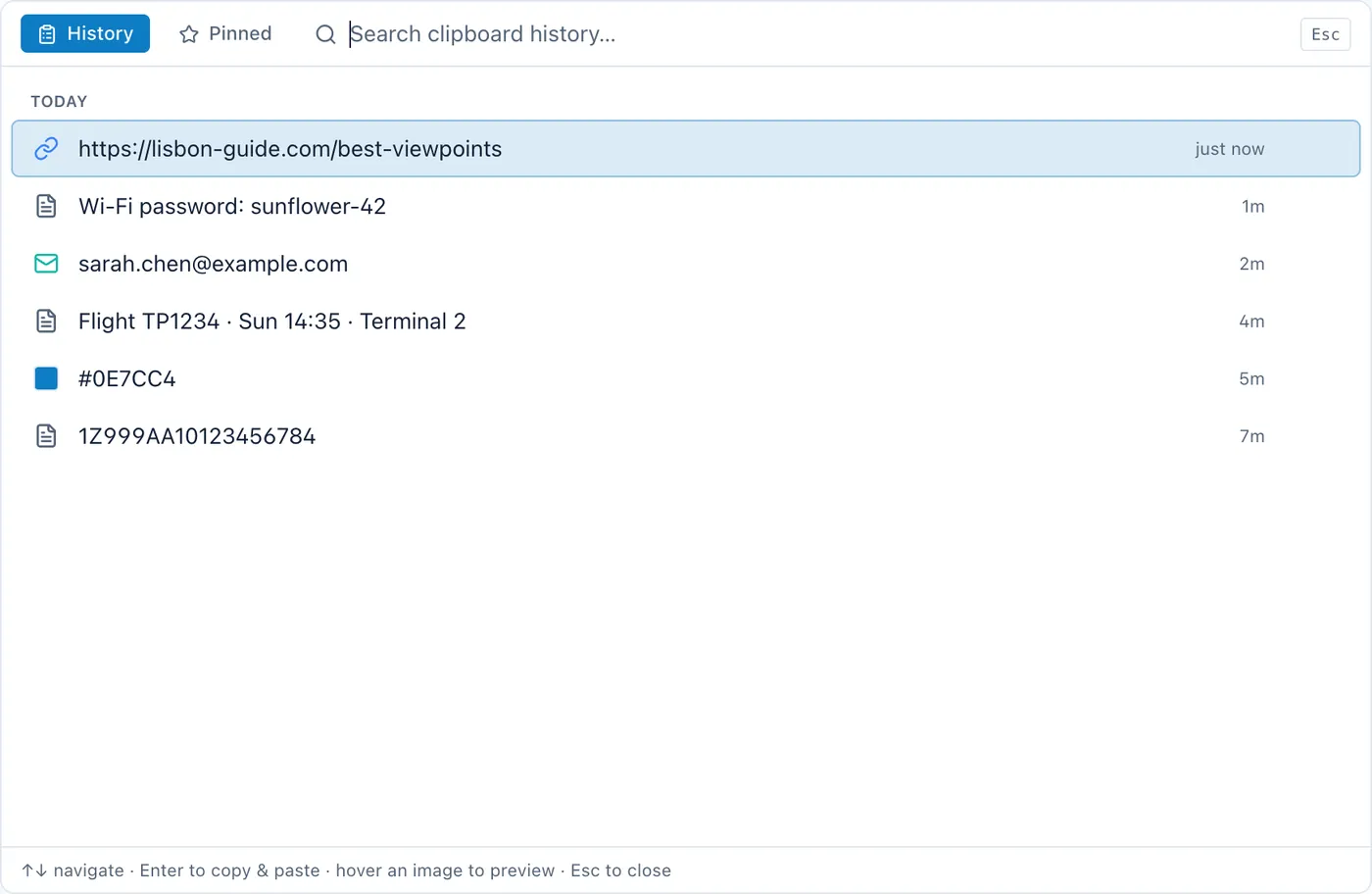
Raycast's clipboard is a feature of a launcher. That is its strength — zero extra apps, one hotkey, everything in the same palette — and it is also the shape of its limits. A launcher is transient by design. You invoke it, it does something, it disappears. The clipboard inherits that posture: it is a place you pass through.
If what you want is a place you pass through, that is the right design, and paying $8 a month to make the corridor longer is a reasonable thing to do if you are already paying for Pro's AI features anyway.
If what you want is a place things get kept, a corridor is the wrong shape no matter how long it is.
Running both is legitimate
Unlike two clipboard managers, a launcher and a notes app with clipboard history coexist perfectly well, but you should decide which one is capturing, because both polling the pasteboard means every copy appears twice and your muscle memory splits.
The arrangement that works, if you keep Raycast: turn off Raycast's clipboard history extension, keep everything else. You lose nothing you were using Raycast for — app launching, window management, extensions, calculations — and the clips land in one place. Raycast is a superb launcher whether or not it holds your clipboard.
The arrangement that does not work is leaving both on and hoping you will remember which hotkey you pressed. The same applies to Alfred, whose Powerpack has its own clipboard history; I compared it separately in Alfred clipboard history.
Who should not switch
If your clipboard is genuinely transient and three months is ample, stay. You already have the feature, it is free, and it is one keystroke closer than anything else could be.
If you are on Raycast Pro for the AI and the unlimited history comes along with it, you have already paid for this and adding a second app is not an upgrade.
If you need history across two Macs, neither Raycast's local history nor Cyanote solves that, and Paste's sync is the honest answer.
The honest version
Cyanote is not a launcher and is not trying to be. It will not replace Raycast, it has no extensions, no window management and no command palette for your whole system.
What it has is the clipboard history sitting in the same window as your notes, to-dos, calendar and habits, held in one file on your own Mac, with no retention window and no account, for $7.99 once. A clip you want to keep becomes a note in the same app, which is the specific thing a launcher cannot do, not because it is worse, but because keeping things is not what a launcher is for.
Keep Raycast. It is excellent. The question is only whether your clipboard should be part of it.