The failure is always the same shape and it always happens at the worst point in the trip.
You land. There is no data yet, or the eSIM has not activated, or you are in the one part of the airport with no signal. You need the address of where you are staying, which is in a confirmation email, in an app that wants to sync before it will show you anything. Or the booking reference, in a PDF you never downloaded. Or the code for the door, in a message thread you cannot load.
None of this is a hard problem. It is entirely a before you leave problem, and it takes twenty minutes.
The one-page note
Everything you might need at the moment you have no connection, in one note, on the device, in text.
Where you are staying. The full address, in the local language and script as well as your own — you may need to show it to a driver rather than read it. The check-in time, the door code, the host's phone number.
Every booking reference. Flight, train, hotel, car, tour. Just the strings. A reference number is twelve characters and it is what every desk actually asks for.
Departure details. Flight number, terminal, the time you need to leave. This is the one people assume they will remember and then do not, at 5am.
Two phone numbers. Whoever you are staying with, and whoever at home should know if something goes wrong.
Your insurance policy number and the claims line. The single most useful line in the note and the one most often missing. If you need it, you will need it under conditions where finding an email is not going to happen.
The embassy or consulate address. Thirty seconds to add, and it is the classic thing you cannot look up in the situation where you want it.
Anything with a code in it. Locker codes, entry codes, wifi passwords you were sent in advance.
One note, plain text, no images, no links to anything. Links are the failure. A note that says "see the confirmation email" is a note that does not work.
Why "it's in my email" fails
Three reasons, and they compound.
Mail apps sync on demand. The message is often not on the device until the app fetches it, and with no data, an old message may simply not be there.
Attachments especially. A PDF boarding pass or booking confirmation is frequently not downloaded until you tap it. That tap needs a connection.
Search is the wrong interface at that moment. You are standing up, holding a bag, in a queue. Scrolling a mail app for a confirmation from three weeks ago is not something you want to be doing then.
The same applies to any app that says it works offline. Offline-tolerant and offline-capable are different things, and the difference presents at exactly this moment.
The twenty minutes before you go
Write the note. Fifteen minutes, from the confirmations, once.
Screenshot the things that must be images. Boarding passes, QR codes, tickets. A screenshot lives in the photo library on the device and needs nothing. Do not rely on a wallet app you have not tested offline.
Download the offline map. Both Google Maps and Apple Maps can hold a region on the device. This is the highest-value single item on the list and it takes two minutes.
Turn off wifi and read your own note. The test. If anything is a link, a preview, or a "tap to load", fix it now. Five minutes, and it is the step that turns preparation into something you have verified.
Send the note to whoever is travelling with you, or to whoever at home should have it. Redundancy across people is worth more than redundancy across devices.
What goes in the calendar instead
The note is for lookups. The calendar is for anything with a time on it, and the distinction is worth keeping.
Flights, trains, check-in and check-out, anything booked for a specific hour. With the reference number in the event's notes, so the calendar entry is self-sufficient.
Two things worth knowing about calendars abroad:
Time zones. An event created at home for a local time abroad will shift if it was stored in your home zone. Check the day before you fly, not on the morning.
Subscribed calendars do not update offline. If your travel plans arrive in a subscribed feed, the events are only there if it refreshed before you lost signal. Anything critical should be an event you created, not one you are borrowing.
While you are there
The note is also where the trip gets recorded, which is a second use nobody plans for and everyone wants afterwards.
The address of the place you liked. You will not remember the name of the restaurant. Write it down at the table, in four words, while you are paying.
What you spent, roughly. Not accounting — a rough daily figure. It is the only way to know what a trip actually costs, and it makes the next one much easier to plan.
The name of the person who helped you. For the thank-you, or the review, or the next visit.
What went wrong. Read on the way home, before the next trip, this is worth more than any packing list on the internet, because it is about your mistakes rather than a stranger's.
All of that wants to be in the same note or a note next to it, in an app that works with the radios off and does not need you to log into anything.
The honest version
If you are travelling with data everywhere, roaming that works and a phone you trust, most of this is redundant and you will be fine. The advice is for the gap between landing and having a connection, and for the countries and situations where that gap is longer than an hour.
The version for people who will do one thing: write the address of where you are staying and the flight home in a plain note on the phone, and download the offline map. Those two cover most of what actually goes wrong.
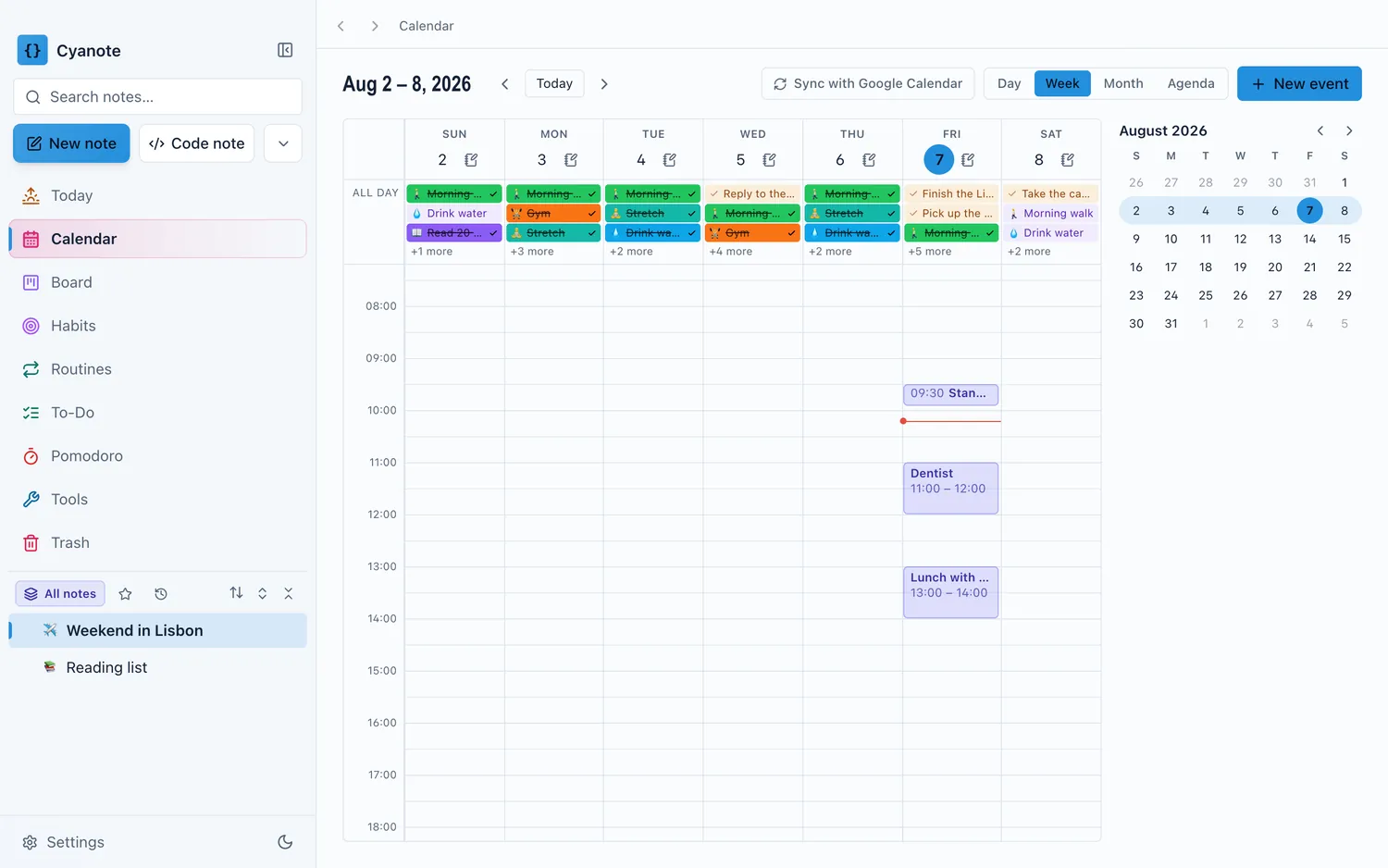
Cyanote is the desk half of this: write the note, hold the trip's details, keep the record afterwards, all in a local database that works with the wifi off because nothing about it ever needed a connection. Events carry a time, a place and notes, and repeat if the trip does. There is no phone app, so the note itself has to travel: send it to yourself or export it before you go, which is the same handover question that applies to any single-machine setup, and worth doing deliberately, since a travel note is precisely the kind you need somewhere other than your desk.