Evernote was the app that made "put everything in one place" a normal idea. A lot of people have twelve or fifteen years in it: web clippings, scanned receipts, meeting notes from jobs they have long since left, the recipe, the warranty, the thing about the boiler.
That is the actual situation, and it is why generic switching advice is useless here. Nobody is deciding between two note-taking apps. They are deciding what to do with an archive that has quietly become a second memory.
Why people are looking
The free tier is now a demonstration rather than a home. Evernote's own plan comparison, as of 17 August 2026, caps the free plan at 50 notes, one notebook, one device and 1 GB. Starter raises that to 1,000 notes, 20 notebooks and three devices; only the Advanced tier removes the note and notebook caps entirely.
If you have 4,000 notes, the free tier is not something you can fall back to. That is the structural fact behind most of these decisions, not a feature complaint, but the realisation that an archive you built over a decade now sits behind a recurring payment you must keep making to keep it accessible in the app that holds it.
Whatever you decide about staying, that is a good reason to hold an export.
Do the export first, and separately
Before choosing anything else. This is the part that makes every subsequent decision reversible.
Do it now, while your account is in good standing. Not when you are cancelling, not when the renewal has lapsed. The worst version of this is discovering the export limits of a downgraded account at the moment you need them.
Export in batches, by notebook. Large single exports are where things time out or fail halfway. Notebook by notebook is slower, verifiable and restartable.
Then open the result. Actually open it — a couple of files, at random, in something that is not Evernote. This is where people find out what did and did not travel. An export you have not opened is a hypothesis, and that is true of every backup, not just this one.
Keep the export even if you stay. It costs disk space and it converts your archive from something you rent access to into something you have.
What travels and what does not
Set expectations before you start, because some loss is unavoidable and it is better to know which.
Travels well: the text of your notes, titles, creation and modification dates, notebook structure as folders, most attachments, and tags in some form.
Travels imperfectly: rich formatting from web clippings, especially older ones. Tables. Nested lists past a level or two. Anything that relied on Evernote's own rendering rather than standard markup.
Often does not travel: internal note links, which point at Evernote URLs and become dead text somewhere else. Reminders. Saved searches. Anything to do with the account rather than the content.
The internal links are the one that stings, and there is no clean fix. If you have a heavily interlinked collection, budget for the fact that the connections are largely Evernote's, not yours, the same reason it is worth asking what happens to links on export before building a decade of them anywhere.
Then split the archive from the working set
The single most useful move, and the one most people skip in favour of migrating everything.
The archive is the fourteen years of material you refer to a few times a year. It does not need to be in your daily app. It needs to be readable and searchable, which a folder of exported files on your disk already is. macOS Spotlight will index it, and grep will find anything Spotlight misses.
The working set is the last six to twelve months plus the notes you genuinely reference. For most people that is a few hundred notes out of thousands. That is what goes into whatever you use next.
Migrating everything feels responsible and produces the classic outcome: a weekend spent, a new app full of fifteen years of clutter you never wanted to look at, and a system that feels stale on day one. The archive is not less valuable for sitting still. It is just not daily.
Choosing where to go
Briefly, since the honest answers depend entirely on what you were using Evernote for.
Web clipping was the point. Evernote's clipper is genuinely the best in the category and this is its strongest remaining argument. If most of your notes are saved articles, look at something built for that rather than a general notes app.
You need it everywhere. Apple Notes is free and syncs across Apple devices with nothing to configure. Obsidian keeps your notes as files in a folder and lets you sync them however you like. Notion is in any browser.
It is mostly text, and you mostly use one machine. This is the case where a local app makes sense: no account, no tier, no cap, and the archive is a file you own.
You never really used it as a notes app. A striking number of long-term Evernote accounts are actually document storage — receipts, warranties, scans. That is a filing problem, and a folder structure with good naming plus Spotlight is a better answer than any notes app.
The one thing not to do
Do not migrate into a new app before you have a working export sitting on your own disk.
The failure mode is specific and common: you import into something new, spend three weeks setting it up, decide it is wrong, and by then your Evernote subscription has lapsed and the new app's export is worse than the one you skipped. Two apps, no archive, and the way back closed while you were not looking.
The export first. Everything else after.
The honest version
If Evernote is working and you are content paying for it, staying is a perfectly good decision. Fifteen years of accumulated structure has real value, the search is good, the clipper is unmatched, and switching costs a weekend you may never get back in productivity.
The thing worth doing regardless — today, whether you leave or not — is holding an export you have actually opened. That is what turns your archive from a tenancy into a possession, and it costs an hour.
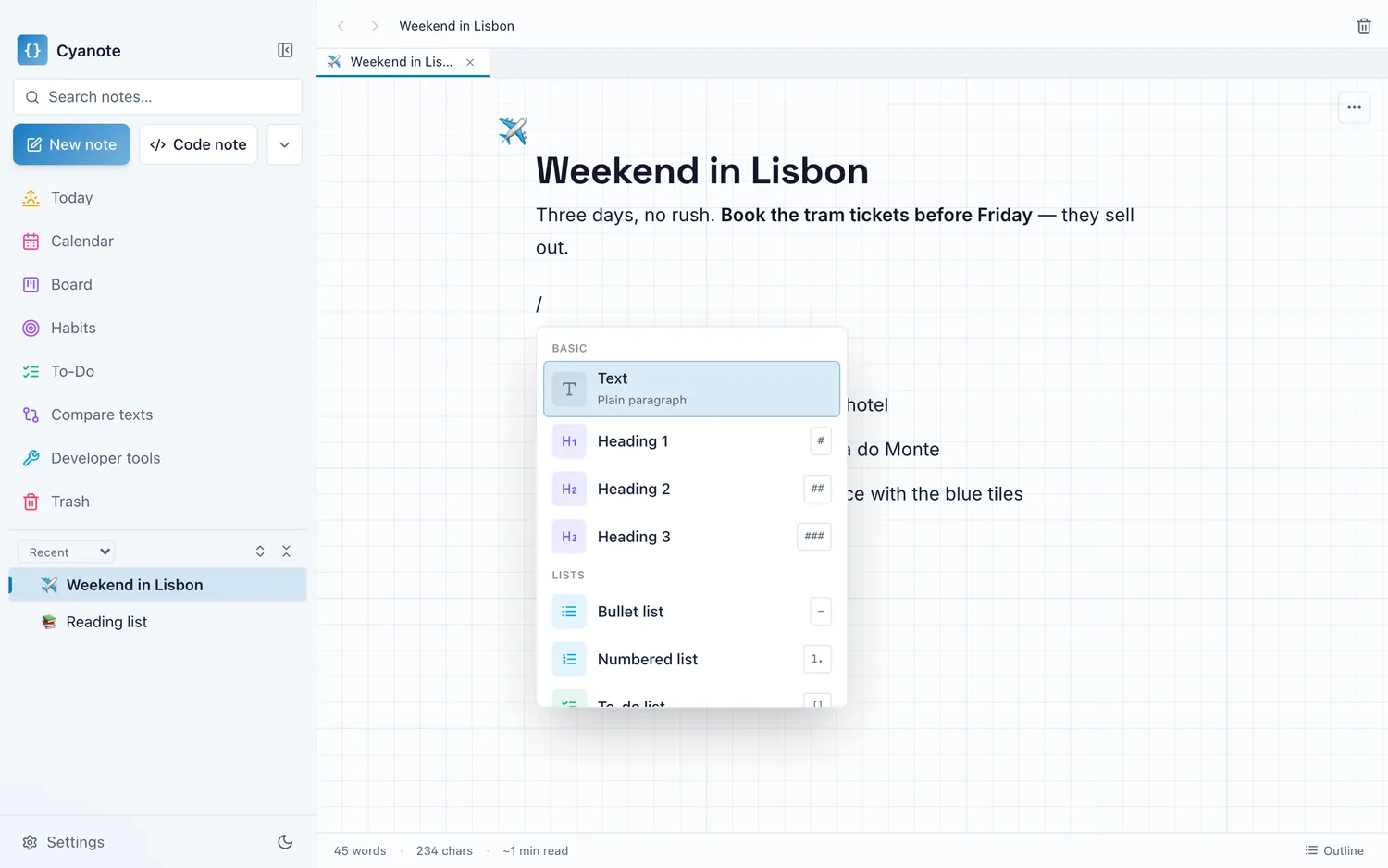
Cyanote is the local answer for the working-set case, and not the answer for the others. Notes in a block editor with headings, tables, code and images, tasks and a calendar and habits in the same window, full-text search across everything, one SQLite database on your own computer, no account and no note limit at any price. There is no web clipper, no phone app and no sync, so if what you loved about Evernote was that it was everywhere and caught everything from the browser, this is not a replacement, and I would rather say so than let you find out in week three.