Google Keep is the most-used notes app that nobody chose. It is already there, it is free, it syncs to every device you own, and it is one tap from the Android home screen or one tab in a browser. Millions of people's entire written record lives in it by default rather than by decision.
It is also very good at the thing it was built for. Short notes. Lists. A photo of the parking bay. A colour. Reminders that actually fire. If that is what you need, this post is not for you and you should keep using it.
The two structural facts
There is no Mac app. Keep on a Mac is a browser tab, or a browser tab wearing a costume. That is the fact that decides most of these switches, and it does not improve with familiarity: no global capture hotkey, no offline that you can rely on, no native window, and your notes are one accidental tab-close from being somewhere you have to navigate back to.
It is inside a Google account. Keep's notes do not count against the 15 GB shared with Gmail, Drive and Photos, which is genuinely useful. But the notes are in the account, subject to the account's terms and the account's fate, which is a category of risk people mostly discover through other people's stories. What an account actually buys you is the longer version of that argument, and it applies to every cloud app, not just this one.
Neither of those is a scandal. They are the shape of the product.
The sticky-note ceiling
Keep is built on one metaphor and it holds it consistently: a wall of small coloured cards.
That works beautifully up to a point, and the point is roughly where a note stops being a reminder and starts being a document. Keep has no headings. No tables. No code blocks. No nesting beyond a checklist. No sub-pages. Labels and colours are the entire organisational system, and search is the only real way back to anything.
The failure is not that a long note is impossible. It is that a long note in Keep is a wall of undifferentiated text, and after a while you stop writing them there. What happens next is the interesting part: people do not leave Keep, they start a second app for anything serious, and end up checking two places. The app you keep replacing is usually the second one.
If you are running Keep plus something else, that is the signal to consolidate, in either direction.
Before you move anything
Use Google Takeout, and use it now. Takeout exports Keep as HTML plus JSON, one file per note, with the labels, timestamps and attachments. It is a good export. Do it while you are still using the product, not while you are annoyed with it.
Check what your checklists became. Lists are the thing Keep is best at and they export as structure that a receiving app may or may not understand. Look at a few.
Your images are separate files. Photos of whiteboards and receipts come out as image files referenced by the HTML. If a lot of your Keep is pictures, you are moving a small photo library, not a notes collection, and it may belong somewhere else entirely.
Reminders do not travel. They are Google's, tied to the account and to Google Assistant. Whatever you move to, reminders will need setting up again and it is worth deciding deliberately rather than rebuilding them out of habit.
The privacy question, stated fairly
I am not going to tell you Google reads your notes. The useful version of this question is duller and more practical.
Your notes are on a server, tied to an identity, under an account that also holds your email, your photos and your logins. That concentration is convenient and it is also the reason a single account recovery problem becomes an everything problem. If you have ever written anything in Keep you would not want attached to your name in a breach — and most people have — it is worth knowing the notes are not in a separate box.
The alternative is not paranoia. It is that some categories of note are better off on a disk you own, and the rest can stay exactly where they are.
Who should not switch
If you use Android, stay. Keep on Android is a first-class app and nothing on this list replaces it.
If you need your notes on a phone at all, be honest about it. Cyanote has no mobile app and no sync, and swapping Keep for it means the phone half of your life stops being covered.
If your notes are genuinely short, shared with family, and mostly shopping lists, Keep is the right tool and free is the right price.
The honest version
Cyanote is a desktop app — on the Mac, and on Windows through the Microsoft Store — with no web version, no phone app, no sync and no sharing. Against Keep's everywhere-and-free, that is a straightforwardly worse deal on availability, and I am not going to argue otherwise.
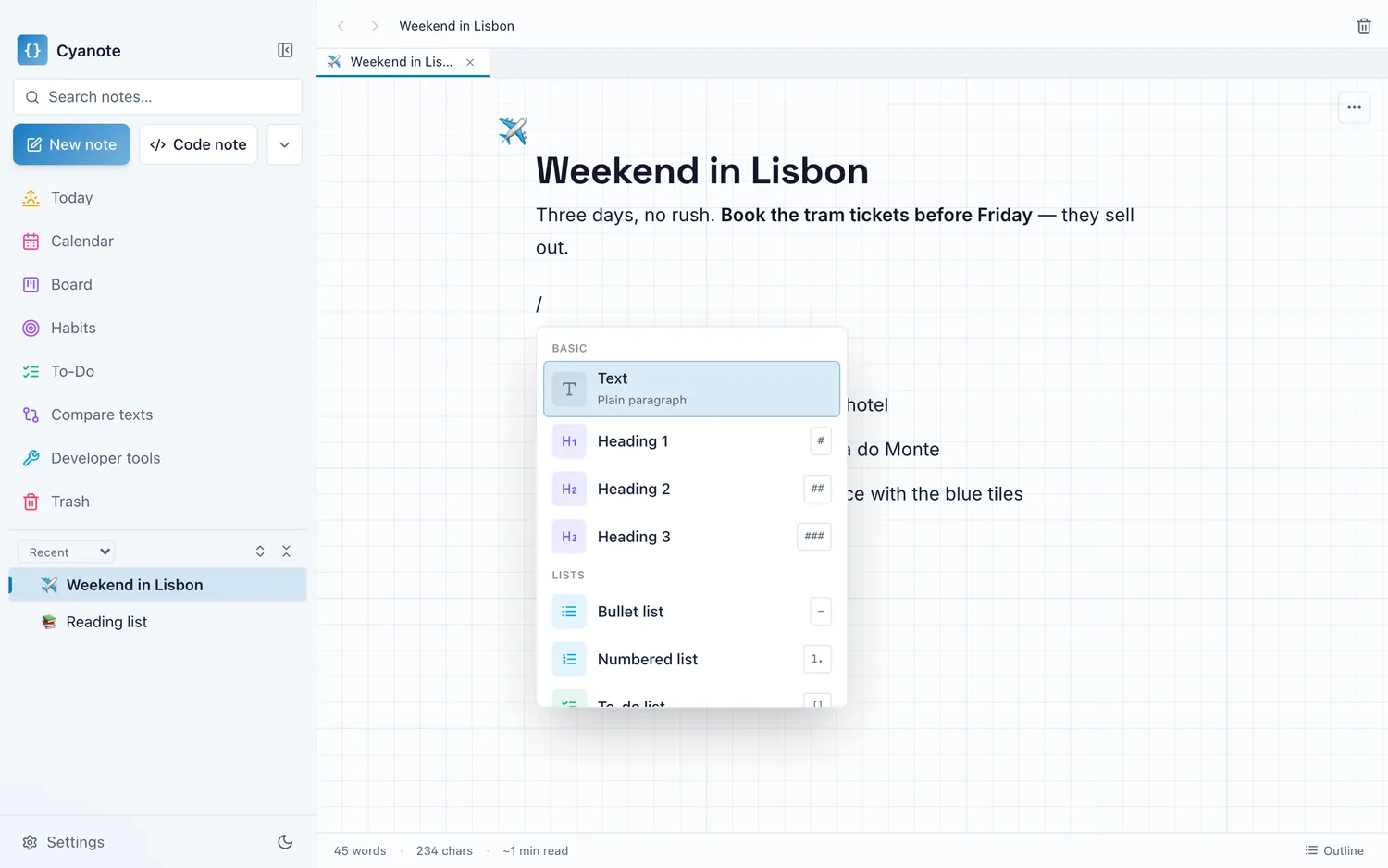
The trade is what happens on the computer. A real window with a global capture hotkey, notes that can hold headings, tables, code and images, to-dos and a calendar and habits in the same place, full-text search across all of it, one file on your own disk, no account, $7.99 once.
If Keep is where your quick captures live and something else holds everything that matters, this is the app for the second half. If Keep is genuinely all you need, you already have the answer and it costs nothing.