OneNote is the most generous free notes app there is, and the free part is not a trial. Unlimited notes, handwriting that actually works, sections and pages, cross-platform sync, all at no cost. Its only real storage limit is the 5 GB of OneDrive a free Microsoft account comes with.
That is a genuinely strong offer. The reason people search for a way off it on a Mac is almost never the feature list.
The Mac build is a second-class citizen and everyone knows it
OneNote was designed around Windows and a stylus, and every Mac release makes the priority obvious. Features arrive later or not at all. The interface follows Microsoft's conventions rather than the platform's. It is heavier to launch than a notes app has any business being, and it behaves like something ported rather than something built here.
None of that is a defect Microsoft is hiding. It is a resourcing decision that has been consistent for a decade, and it is not going to change because you are annoyed about it.
So the honest question is not "is OneNote good" — it is very good, on Windows — but whether you are using the version of it that the effort went into. If you are on a Mac and you have never used the Windows build, you have been evaluating the wrong app the whole time.
The free-vs-paid line, precisely
OneNote itself is free. What costs money is Microsoft 365, and it is worth knowing what that actually adds so you do not pay for it by accident.
From Microsoft's own comparison page, checked 1 September 2026: Microsoft 365 Personal is $99.99 a year, or $9.99 a month. Family is $129.99 a year or $12.99 a month, and Premium is $199.99 a year.
For OneNote specifically, the subscription mostly buys storage — 1 TB of OneDrive instead of 5 GB — along with the rest of Office. If you are paying for 365 already because of Word and Excel, OneNote is a free extra and there is no money to save here. If you were considering paying for OneNote, do not: the free app is the same app.
The storage limit is the one to watch, because OneNote notebooks with embedded images and printouts get large faster than text-only notes ever would, and sync simply stops when the 5 GB is gone.
The notebook format is the real switching cost
This is the part that catches people, and it is worth understanding before you start rather than during.
OneNote does not store notes as documents. It stores .one notebook files with a proprietary internal structure built around free-form canvas positioning, so anything can go anywhere on the page, which is exactly why handwriting and diagrams work so well.
That structure does not have an equivalent anywhere else. When you export, you get a choice between PDF, which preserves the layout and loses the editability, and Word, which preserves the text and rearranges the layout into something linear. There is no option that keeps both, because no other app has the same model of a page.
So the migration question is: how much of your OneNote depends on where things are on the page? If your notebooks are mostly linear text under headings, the export is fine and you will barely notice. If they are annotated diagrams, handwritten margins, and clipped screenshots arranged around each other, you are not migrating notes, you are flattening a canvas, and much of what made them useful is positional.
For that second case, the honest advice is to keep OneNote installed for the archive and start fresh elsewhere, rather than convert. Splitting the archive from the working set is the same move that makes any long migration survivable.
Doing the export properly
Export notebook by notebook, not all at once. OneNote's Mac export is per-notebook and it is slow. Batching is the only way to know what failed.
Do PDF for the archive and Word for anything you intend to keep editing. Two passes, not one. Disk is cheap and re-exporting later from a lapsed setup is not always possible.
Handwriting becomes an image. Ink is preserved visually in the PDF and lost entirely as text. If you have searchable handwriting you rely on, that search is going away and no destination app on the Mac will restore it.
Check that section groups survived. Nested section groups are the structure most likely to arrive flattened.
Then open several exported files somewhere that is not OneNote, the same rule as every backup.
Who should not switch
If you handwrite on an iPad or a Surface, stay. This is not close: OneNote's ink is best in class and free.
If you work with people who share OneNote notebooks with you, stay. Shared notebooks are a collaboration feature and no local app replaces them.
If you are already paying for Microsoft 365 for Office, you are not saving money by leaving, and the storage complaint does not apply to you.
The honest version
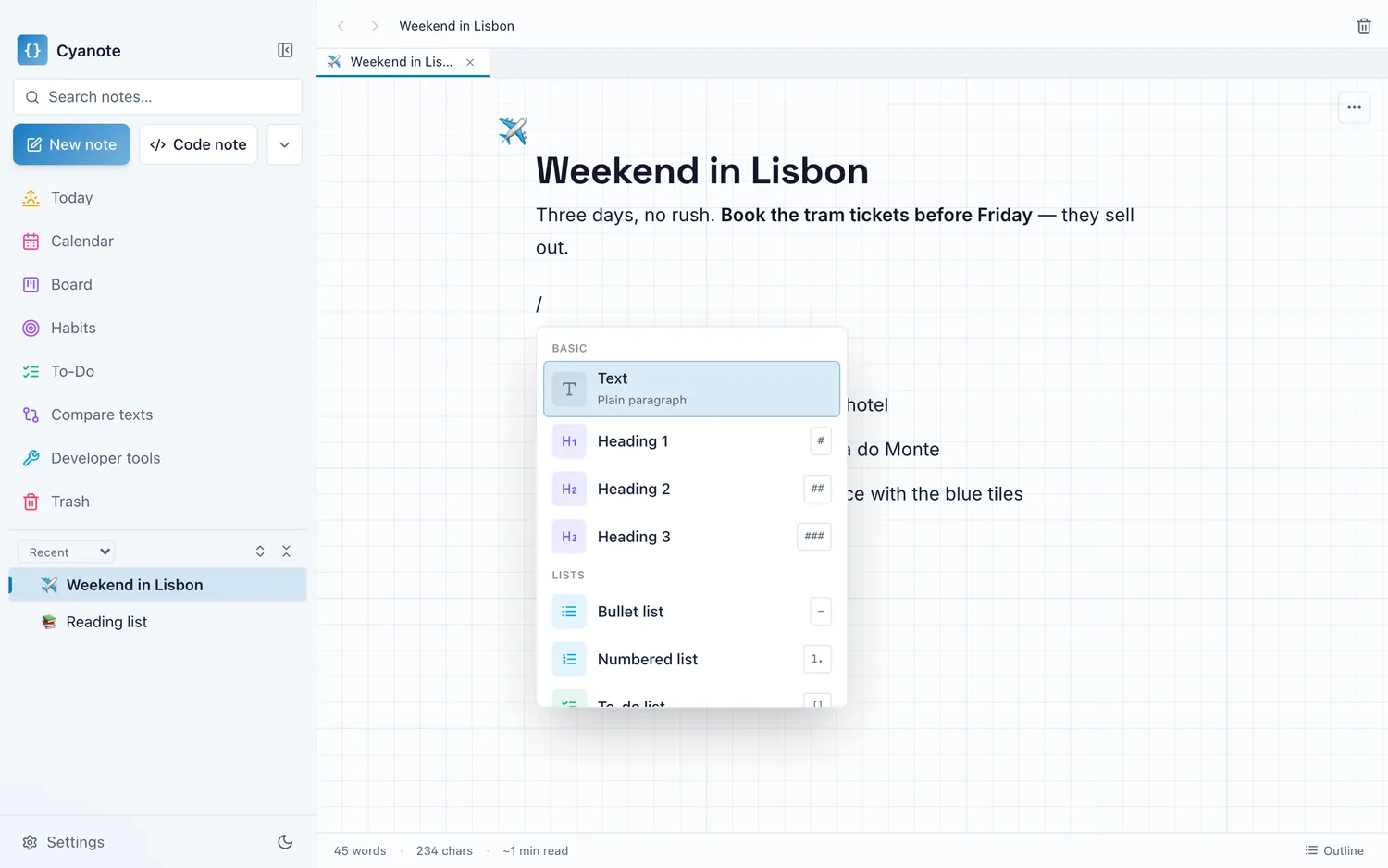
Cyanote is a desktop app — on the Mac, and on Windows through the Microsoft Store — with no handwriting, no free-form canvas, no sharing, no phone app and no sync. On raw capability against OneNote it loses several arguments outright, and the ink one is not arguable at all.
What it offers is the thing OneNote on a Mac is not: an app built for this platform, that opens instantly, works with the wifi off, and puts notes, to-dos, a board, a calendar, habits and a system-wide clipboard in one window backed by one SQLite file on your own disk, with no account and no storage tier, for $7.99 once.
If your complaint about OneNote is the feature list, staying is correct. If your complaint is that it never felt like a Mac app, that is the complaint this answers.