Nobody has a system for this, because it does not feel like a domain. It is just the residue of being an adult: the insurance that renews in November, the boiler service, the passport that expires sooner than you think, the reference number for the thing you are still disputing, the warranty for the washing machine, the code the landlord gave you over the phone.
It is not enough work to justify software, which is exactly why it goes wrong. It sits below the threshold where anyone builds a system, and above the threshold where you can hold it in your head.
The three failures
Everything that goes wrong is one of these.
A date arrived and nobody knew. The renewal, the deadline, the expiry, the thing that auto-renewed at three times the price because the reminder was in an email you archived. This is the expensive one, and it is a pure calendar failure.
A fact existed and could not be found. The policy number, the model, the serial, the reference from the call, the name of the person who said it would be fine. It is in an email or a photo or a drawer, and it takes twenty minutes to locate at the exact moment you are on hold.
A thread got dropped. Something is half-resolved. You are waiting on them, or they are waiting on you, and neither of you is going to follow up, and in six weeks it will be worse and harder to explain.
Three failures, three fixes, and none of them requires anything clever.
The fix for dates
Every date with money attached goes in the calendar the moment you learn it, as a repeating event, with a reminder a month ahead.
A month, not a week, and this is the whole trick. A week's notice on an insurance renewal is notice that it is about to happen. A month is enough time to shop around, which is the only thing that makes knowing worth anything.
What belongs there: insurance renewals, subscriptions above whatever your annoyance threshold is, MOT and service dates, passport and licence expiry (six months ahead, not one — many countries want validity beyond your travel dates), warranty expiry for anything expensive, tax deadlines, and the end of any introductory rate.
That last one is the highest-value entry most people are missing. Introductory rates are designed around the assumption that you will not notice when they end, and a repeating calendar event defeats the entire business model.
The fix for facts
One note per thing, not per event.
The car. The flat. The washing machine. Each insurance policy. Each ongoing dispute. At the top of the note: the identifying numbers, the account, the model and serial, when it was bought and for how much, who to call. Below that, dated entries as things happen.
Why per thing rather than per event: because the question you ask is always "what do I know about the car", and never "what happened on 3 May". A note per thing answers the common question directly. A note per event means reconstructing the picture from fragments at the moment you least want to.
Photograph the serial number when the thing arrives, into the note. It is thirty seconds while the box is open, and it is otherwise a job involving a torch and moving furniture. The same applies to the model plate on an appliance and the receipt, which fades.
Do keep in mind that a note with a policy number, an account number and a photograph of a document in it is a sensitive note. It is one of the better arguments for keeping this material locally rather than in a workspace on somebody's server, and for locking the note if the app supports it.
The fix for threads
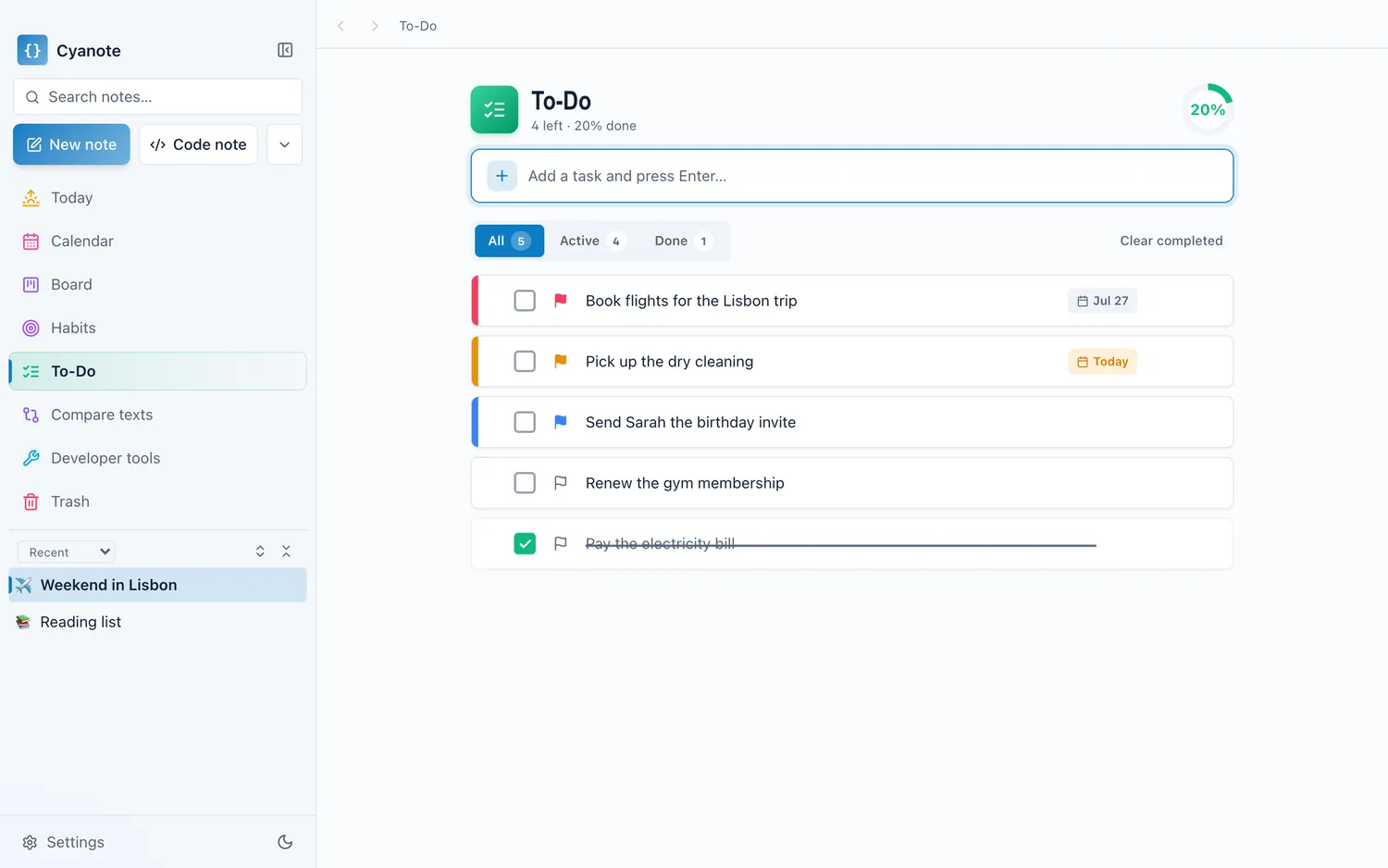
Every open thread is one task with a date on it, and the date is when you will chase.
Not "when it is due", but when you will follow up if nothing has happened. Those are different dates and the second is the useful one. A task saying "chase the insurer about the claim, 24th" is a thread that cannot be dropped, because it will surface on the 24th whether or not anyone else has done anything.
The wording matters more than it should. "Insurance" is a topic and will be ignored. "Ring the insurer, ref 44821, about the excess" is an action you can perform without first working out what it means, and that difference is whether it gets done on the day or deferred four times.
This is where typing the task as a sentence earns its place. The moment you have to record it is thirty seconds after a phone call, standing up, and any friction means it does not happen. One line, with the date in it, or it does not get written.
The twenty-minute setup
Do it once, on a Sunday. Not a system. A list.
Write down every recurring date you can think of. Insurance, subscriptions, services, expiries. You will get maybe seventy percent, and the rest arrive by email over the following year and get added then.
Make a note for each expensive thing you own. Model, serial, when bought, warranty length. Photograph the plate while you are at it.
Open your bank statement and look for annual charges. This is where the forgotten subscriptions are, and it is the highest-return twenty minutes in the whole exercise. Every one you find either gets a renewal reminder or gets cancelled.
Put a recurring event in for a yearly review of the above. Half an hour, once a year, to catch what changed.
That is genuinely the whole thing. It is not a productivity system; it is a small amount of writing down that prevents a specific and expensive category of annoyance.
Where it should live
In the same place as everything else you write down, and this is the practical point of the post.
Life admin loses to a dedicated app every time, because a dedicated app for boring things is an app you open when you are dealing with boring things, which is never voluntarily. The note about the boiler needs to be in the same search box as your work notes, and the renewal needs to be in the same calendar as your meetings, not because it is elegant, but because that is the box you actually type into.
The second reason is privacy. This material — account numbers, policy references, photographs of documents, the history of a dispute — is among the most sensitive text most people produce, and it usually ends up in whichever app was convenient. It is worth it being one you have thought about.
The honest version
None of this is a productivity method and it will not make you feel organised. It is a small amount of unglamorous writing that stops a specific set of expensive things from happening.
The single highest-return item, if you do nothing else: go through last year's bank statements for annual charges, and put a one-month-ahead reminder on every renewal you find. That one takes twenty minutes and pays for itself the first time an introductory rate ends.
Cyanote holds all three parts in one window: notes for the things, a calendar for the dates with reminders a day, an hour or thirty minutes ahead and repeats that carry between occurrences, and tasks that take a date out of the sentence you typed. Any note can be locked with a password and is encrypted where it sits. Everything is in one SQLite database on your own computer with no account, which for a file containing your policy numbers, your serial numbers and photographs of your documents is not an abstract preference.