Let me start where most posts in this genre will not: Apple Notes is good, and if it is working for you, the correct move is to keep using it.
It is free. It is already installed. It launches instantly, syncs to your phone without you configuring anything, locks individual notes behind Touch ID, scans documents through the camera, and has quietly grown folders, tags, smart folders, tables, checklists and note-to-note linking over the last few years. For the enormous number of people whose requirement is "somewhere to put things", it is the answer, and switching to something else because a blog told you to is how you end up with two half-populated notes apps.
So this post is about the specific cases where leaving is justified, and I am going to be strict about it, because most reasons people give are not.
The reason that is not good enough
"I want a better writing experience."
You do not, usually. What you want is to have written, and a nicer editor is the most pleasant available substitute for doing it. Switching apps for aesthetics produces a genuine two-week productivity boost, followed by exactly the same output as before, in a different typeface.
If your notes are fine and you are just bored of looking at them, changing the app is an expensive way to fix that. Changing the theme is a cheap one, and worth trying first.
Now the four that hold up.
One: you need it to leave
This one is structural rather than aesthetic, which is what makes it worth leading with.
Notes on macOS exports a single note to PDF or Markdown from the File menu, and that is the only route Apple's own guide documents. The macOS 26 generation improved on it more quietly than you would expect: Notes gained Markdown import and export, and selecting several notes — or everything in a folder — and exporting them in one go works, with images written out alongside the text. It is not in Apple's documentation, so treat it as a thing that works rather than a thing you are owed. But it works, and it is a real improvement.
Updated September 2026. This section originally said there was no bulk export at all. That was true when it was written and is not any more, and this reason is weaker than it was — which is the sort of thing an argument for leaving should have to admit.
For most people that is a non-issue right up until the day it is the only issue: moving to a Windows machine, handing a project archive to a client, or simply wanting your own words in files you can grep. The cost is not visible while you are inside the system, which is exactly what makes it worth counting in advance. It is the same question as what happens when your notes app shuts down, asked of an app that is not going anywhere. Apple will still be here, and the checking is still yours to do: export a folder, open what comes out, and confirm the attachments arrived before you rely on any of it.
If you are two hundred notes in and thinking about a move, that is the moment it is cheapest. It never gets cheaper again.
Two: your notes contain things iCloud should not
Notes syncs through iCloud by default, and iCloud is well-run infrastructure. Advanced Data Protection makes it end-to-end encrypted if you turn it on, and locked notes are encrypted regardless. This is a better privacy story than most of the industry offers.
It is still a copy on somebody else's servers, tied to an identity, subject to an account that can be locked, and reachable by a legal process directed at Apple rather than at you. For a large share of note-taking, none of that matters. For a therapist's session notes, a lawyer's case notes, a journalist's sources, an HR investigation, or a diary you would genuinely rather not have restored to a future device, it matters, and no amount of "they are a good company" changes the shape of the arrangement.
The alternative is not "trust a different company more". It is not involving one: a database on your own disk, where the recovery story is a backup you control and the legal story is a warrant served on you. Whether that trade is worth it depends entirely on what is in the notes.
Three: what you write does not fit the editor
Notes is built for prose, lists and pictures, and it is genuinely good at those. It is not built for a few specific shapes.
Code. No code blocks with syntax highlighting. Paste a shell command into Notes and smart quotes and autocorrect are actively working against you. This is the single most common reason developers leave, and it is a real one. I have written separately about keeping notes and code in one app.
Deeply nested structure. Folders and one level of sub-folders is not the same as notes that nest into sub-pages arbitrarily. If you think in outlines, you will feel the ceiling.
Typography you control. Font, size and line spacing are largely Apple's decision. If you read for hours and have opinions about measure and leading, that ceiling is low.
If none of these describes what you write, this reason does not apply to you, and it is fine to say so.
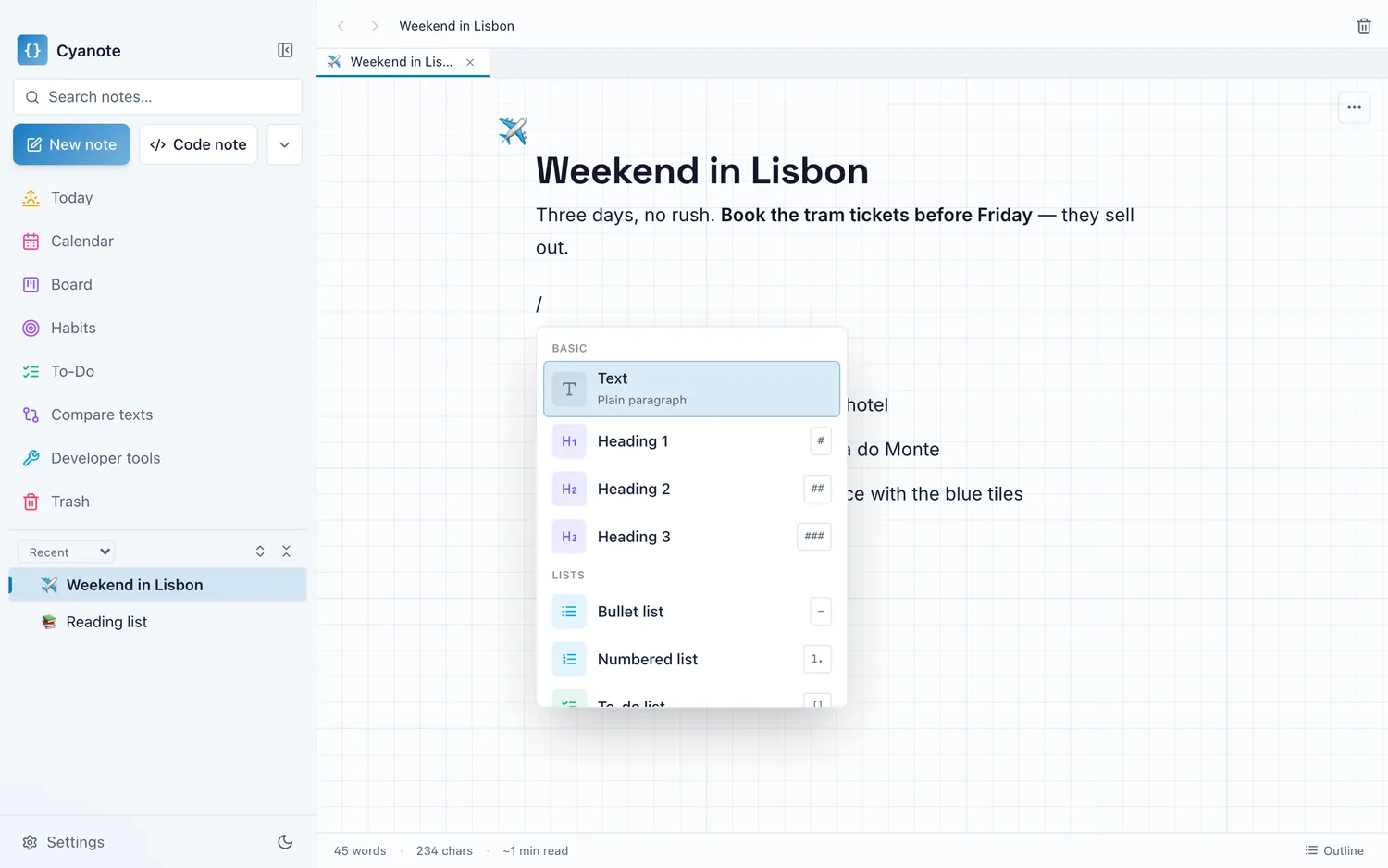
Four: the notes are only one of five things
This is the honest reason most people switch, and it has nothing to do with Notes being deficient at notes.
Your week is not made of notes. It is made of notes, a to-do list, a calendar, a couple of habits you are trying to keep, and a clipboard full of things you copied. Notes covers one of those, plus checklists. The rest live in Reminders, Calendar, some habit app, and whatever clipboard manager you installed in 2021: five icons, five windows, five places to look for the thing you wrote down.
Apple's apps are individually good and deliberately separate, which is the right call for a platform vendor and the wrong shape for some people's day. If you keep losing things in the gaps between five apps, that is not a notes problem and no notes app will fix it. It is the argument for one window instead of five.
What you give up by leaving
Being straight about the cost, since it is substantial.
Your phone. Notes on iPhone is excellent and syncs for free with nothing to set up. Almost any alternative is worse at this, and several — including mine — do not have a phone app at all. If you write notes on your phone daily, this is close to disqualifying, and you should weigh it above everything above.
Free. Notes costs nothing, forever, with no licence to keep track of.
Integration. Share sheets, Siri, Quick Note from the corner of the screen, scanning with the camera, handwriting on an iPad. Third-party apps get some of this; none get all of it.
Collaboration. Sharing a note with a family member and both editing it. Local-first apps categorically cannot do this, and pretending otherwise would be dishonest.
If more than one of those matters to you, stay. That is not a consolation prize; it is the right decision.
How to leave, if you are leaving
Do it in a way that does not depend on the new app working out.
Get the text out first, on its own. Export to Markdown or PDF into a folder before importing anywhere. If the new app disappoints you in a month, you still have your notes in a format nothing owns.
Do not migrate everything. Move the last six months and the twenty notes you actually reference. The rest is an archive; leave it in Notes, which is not going anywhere, and search it there on the rare occasion you need it. Wholesale migration is how people spend a weekend and end up with two apps and no system.
Keep Notes installed. For the phone, for scanning, for shared notes. Leaving an app does not have to mean deleting it, and the shared-with-family grocery list is genuinely better where it is.
Run the four-second test on the new one before you commit: turn the wifi off and see what still works.
The honest version
Most people reading this should stay on Apple Notes, and I would rather say that than sell you something. The four reasons above are narrow on purpose: exit cost, the sensitivity of what you write, editors that do not fit the shape of it, and a week that is more than notes.
Cyanote answers the last three and the first: a block editor with code blocks and syntax highlighting, notes that nest into sub-pages, typography set per note, tasks and a board and a calendar and habits and a clipboard history in the same window, everything in one SQLite database on your own Mac with no account, and a one-file JSON export of the whole collection whenever you want it. It has no iPhone app, no collaboration and no share sheet, and it costs $7.99 once where Notes costs nothing. Those are the actual terms of the trade.